Maintenance 3-33
CadJet 3D Service Manual
MAINTENANCE
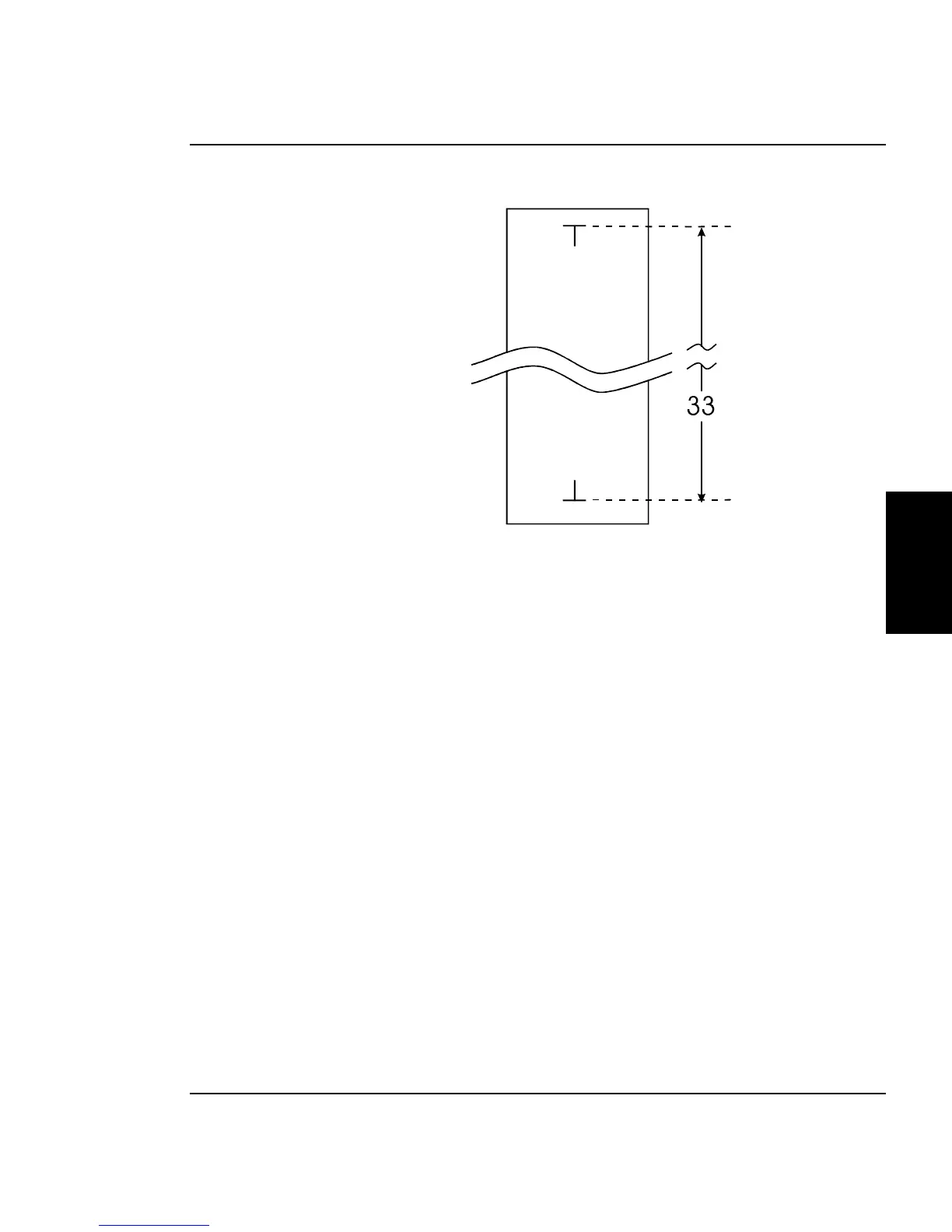
Figure 3-26. Paper Axis Test.
5. With a precision drafters measuring stick, measure the exact
distance from each of the “T” intersections.
6. Select “Paper Axis” at the Calibration Menu. This brings up
the options menu for the paper axis adjustment. This menu is
similiar to the menu depicted in Figure 3-20.
7. Using either “Prev Option” or “Next Option”, rotate through the
selections until the exact value of the measurement found in
step 5 is selected. Press “Ok” to accept the selection and return
to the Calibration Menu.



 To Next Page