3-12 Maintenance
CadJet 3D Service Manual
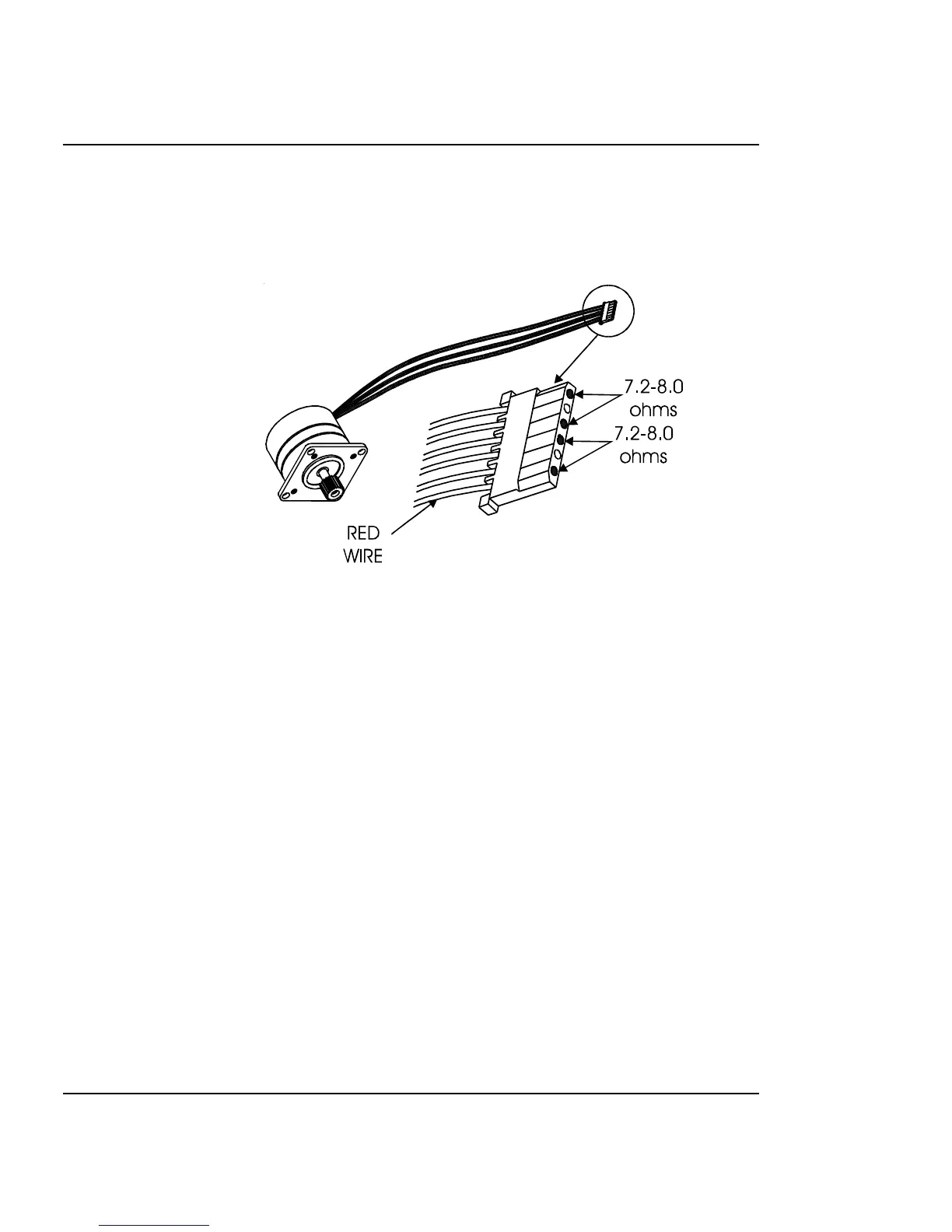
Stepper Motor Winding Resistance Check
Figure 3-8. Stepper Motor.
1. Disconnect the stepper motor connection from J1 on the MPCB.
2. Using a standard ohmmeter or multimeter, measure between
pins 1 (red wire) and 3.
3. The reading should indicate 7.2-8.0 ohms.
4. Continue by measuring between pins 4 and 6.
5. Reading should also indicate 7.2-8.0 ohms.
6. If either measurement is out of tolerance, replace the stepper
motor.



 To Next Page