3-34 Maintenance
CadJet 3D Service Manual
Diagnostics Menu
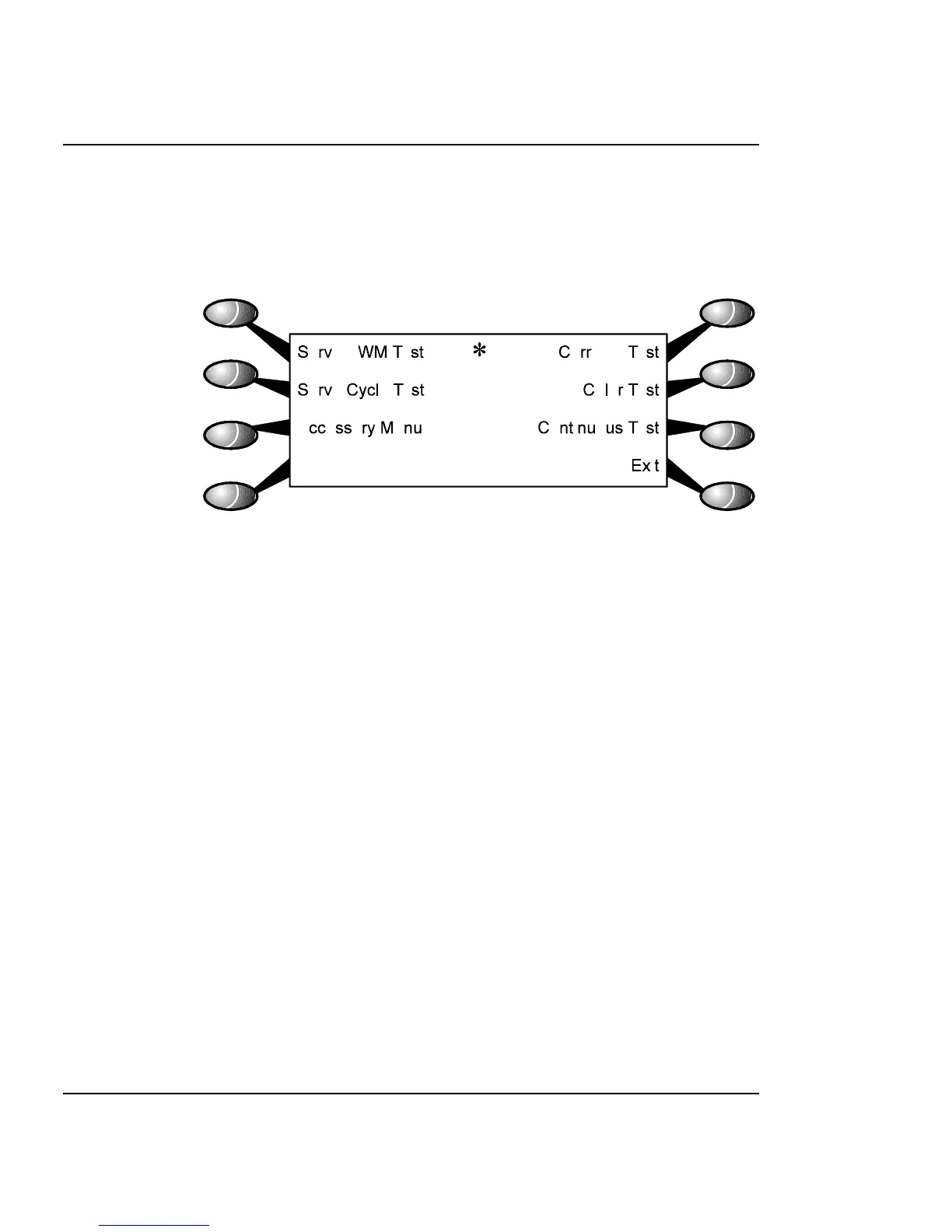
The Diagnostics Menu is located in the Service Menu (shown in Figure
3-22) and is seen in Figure 3-27.
7
Figure 3-27. Diagnostics Menu.
All tests under the Diagnostics Menu should be performed by competent
technicians only. The types of tests that can be performed are: Servo
PWM Test, Servo Cycle Test, Carriage Test, Color Test, Continuous
Test, Fan #1 Test, Fan #2 Test and Legs Test.
The Fan #1 Test, Fan #2 Test and Legs Test are located in the Acces-
sory Menu as shown in Figure 3-28.



 To Next Page