Maintenance 3-27
CadJet 3D Service Manual
MAINTENANCE
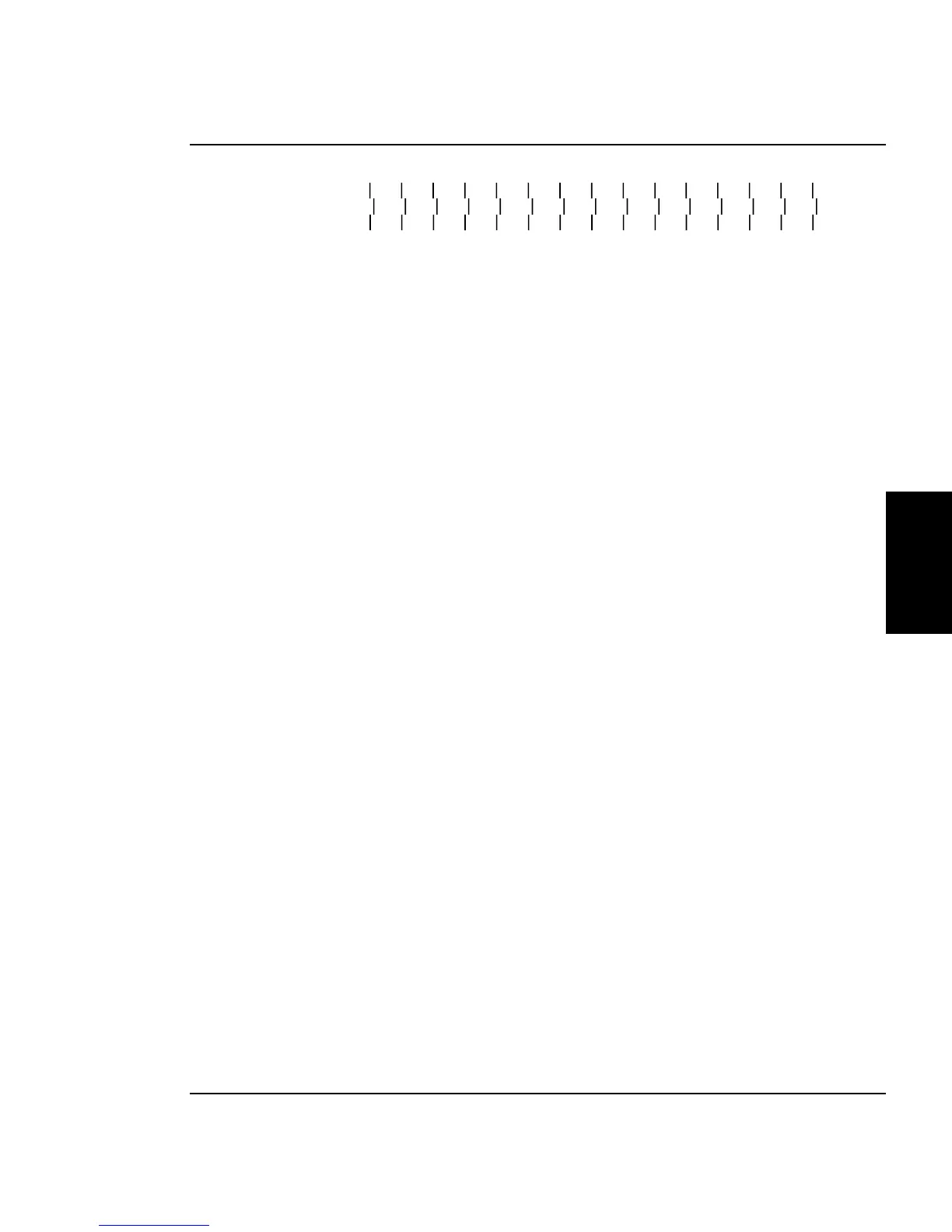
Figure 3-21. Slow Deadband.
Figure 3-21 shows what the display will look like when printing the
slow deadband test if it is out of alignment. A correctly aligned
printer will appear as if there is only a series of vertical lines printed.
No difference between the top and bottom set of lines to the center set
of lines would be apparent.
The SLOW DEADBAND calibration is a precision test that checks the
firing time of the jets as related to the forward and reverse direction.
Allowable values for the Slow Deadband calibration is -2, -1, 0, 1 and
2.
The Single Line Test and All Line Test are variations of the deadband
test except they print longer lines so that long time integration of the
deadband calibration can be observed. The Single Line Test prints
only one line at a time while the All Line Test prints all lines at the
same time. These tests were designed primarily to be used in manu-
facturing only.
The deadband test will print a display similiar to Figure 3-22 but will
print the pattern for each of the four colors. This is a visual check of
the color deadband alignment only. No adjustments can be made for
this test. To make adjustments see the Color Deadband Calibration
section.
Allowable values for the Color Deadband calibrations are from 0 to 120
but the actual value used by the printer will only accept certain
numbers. The real value used by the printer will be the closest of 12,
20, 28, 36, 44, 52, 60, 68, 76, 84, 92 or 100.



 To Next Page