Start Ensite Pro
Page 12
When the correct password is given (the Administrator’s default
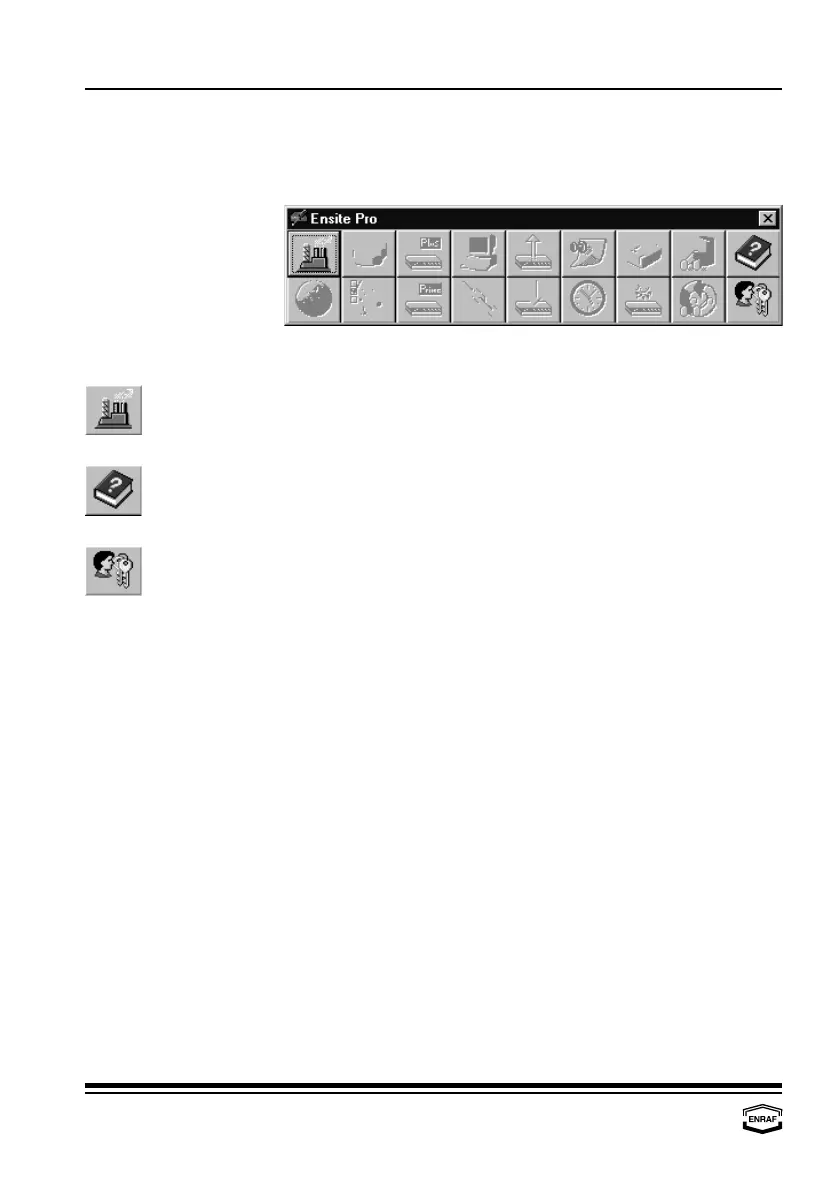
password is ‘Ensite Pro’), the program starts up with the following
window:
Only three buttons are illuminated:
Select site
A site gives an overview of the configuration at a specific customer’s
site. Selecting a site gives you access to a database
Help
The build in help document assists at any time.
User privileges
Access parameters for different users can be set or selected.
A site must be created to be able to work with the configuration tool.
Press the upper left button to illuminate all other buttons.



 To Next Page