Configure tanks
Page 28
Configure tanks
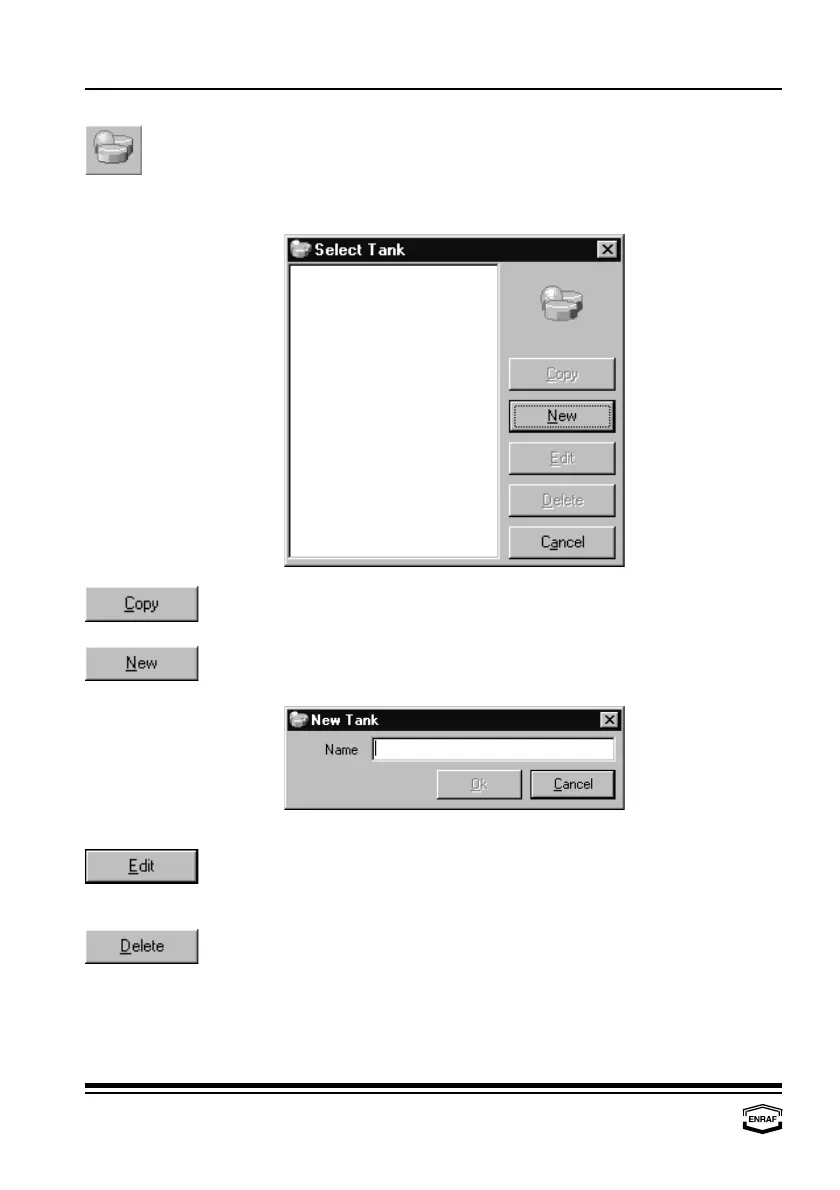
Select or enter a tankname. All tank related data can be entered in
this section.
Press the ‘Copy’-button to copy the highlighted tank name from the
list. Only specific data must be changed afterwards.
When the tank is not in the list (yet), a new tank has to be created.
Press the ‘New’-button to add a tank:
Press the ‘Edit’-button to edit data from the highlighted tank:
- Tank - Vapour - Flow - TCT
- Product - Shell - Roof
Press the ‘Delete’-button to remove the highlighted tank from the list.



 To Next Page