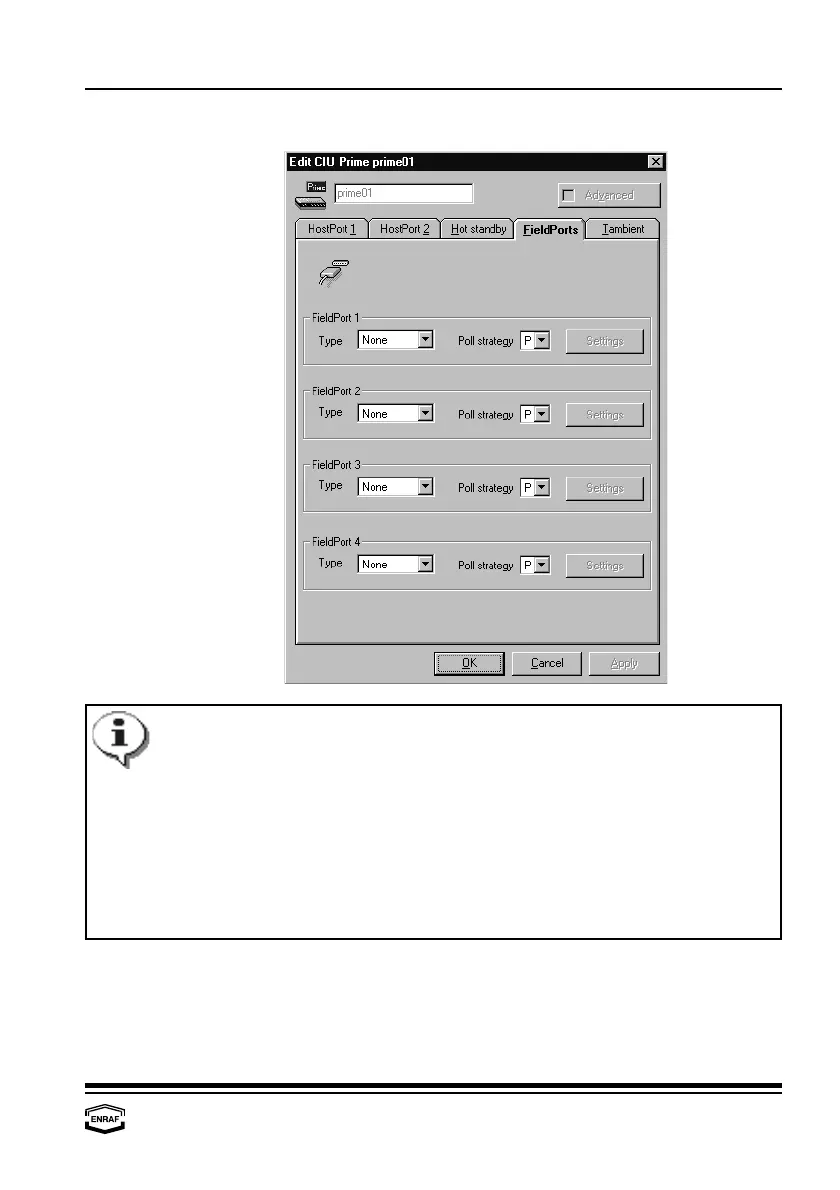
Configure CIU Prime
Instruction manual Ensite Pro Configuration Tool Page 43
The setting in ‘Poll strategy’ determines the sequence in which the
FieldPorts are scanned:
P = FieldPort scans parallel, without waiting for other FieldPorts
1 = FieldPort scans in sequence with other FieldPorts with code 1
2 = FieldPort scans in sequence with other FieldPorts with code 2
Examples:
PPPP = all ports scan parallel (= default)
P111 = port 1 scans parallel; others scan sequentially
1122 = ports 1 and 2 and ports 3 and 4 scan in a separate sequence
PPP1 = all ports scan parallel (sequence 1 contains only one port)
FieldPorts
FieldPort 1, 2, 3, 4
Type
Select: None, CIU-GPU (= RS-communication) or BPM-GPU
(= Enraf fieldbus)
Poll strategy
Select: 1, 2 or P.



 To Next Page