Configure CIU Plus
Page 48
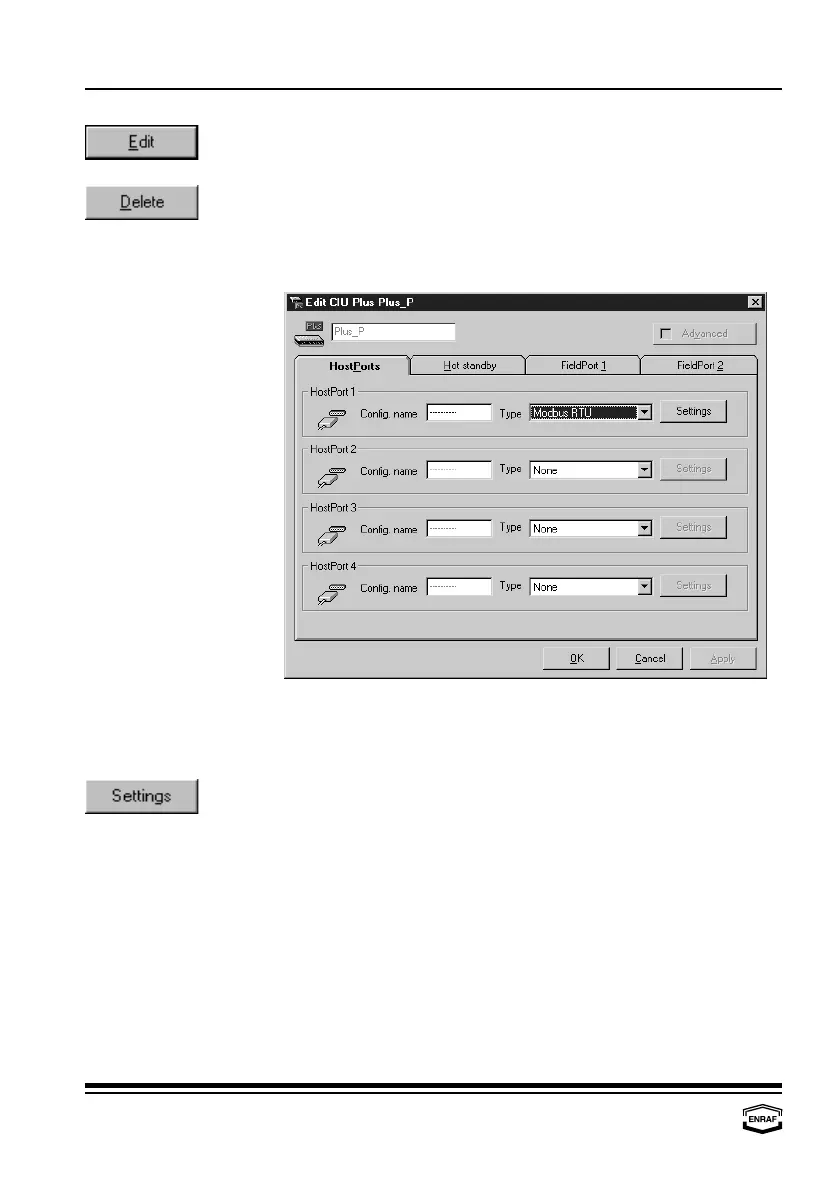
Press the ‘Edit’-button to edit data from the highlighted CIU Plus:
- HostPorts - FieldPort 1 - Hot standby - FieldPort 2
Press the ‘Delete’-button to remove the highlighted data input from the
list.
HostPorts
HostPort 1, 2, 3, 4
Config. name
Enter a name, identifying the connected device (up to 10 characters).
Type
Select: None or Modbus RTU
Press the ‘Settings’-button to set HostPort communication settings:



 To Next Page