Select site
Instruction manual Ensite Pro Configuration Tool Page 13
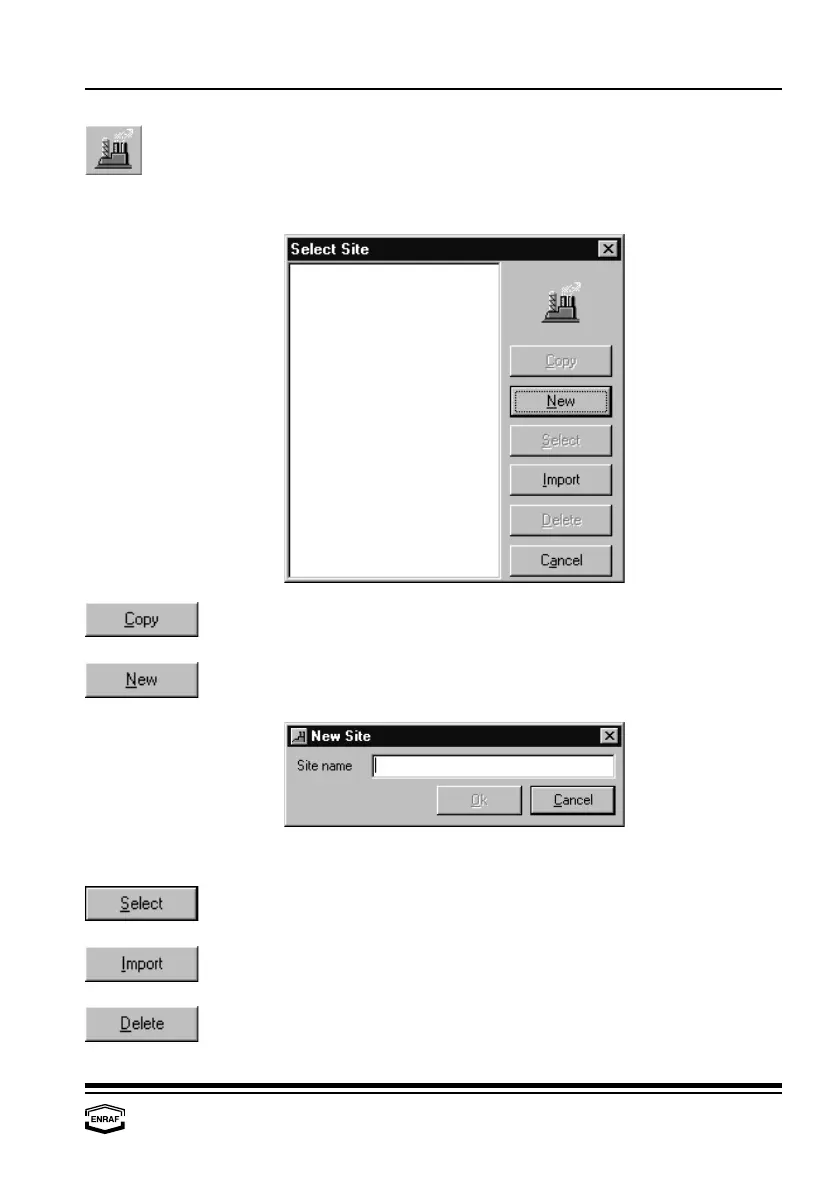
Select site
A site gives an overview of the configuration at a specific customer’s
site. Selected sites are highlighted.
Press this button to copy the highlighted site from the list.
Only specific data must be changed afterwards.
When the site is not in the list (yet), a new site has to be created.
Press the ‘New’-button to add a site:
Press the ‘Ok’-button to let the new site appear in the listbox.
Press this button to select the highlighted site to work with. You can
also double click on the highlighted site name.
Press this button to import an earlier made site database.
Press this button to remove the highlighted site from the list.



 To Next Page