Configure CIU Plus
Instruction manual Ensite Pro Configuration Tool Page 47
Configure CIU Plus
The CIU Plus calculates volume, standard volume, mass, density,
flow rate, etc. It receives data from the CIU Prime and calculates all
other data. It presents data to higher layered systems like Entis Pro,
SCADA, DCS, etc.
Input boards
Two fixed RS-232C/RS485 input boards interface to a CIU Prime.
Output boards
Up to four RS-232C/RS485 output boards can be installed to interface
host communication (Modbus) to Entis Pro, SCADA, DCS, etc.
For a description of the Modbus protocol, refer to the related
instruction manual.
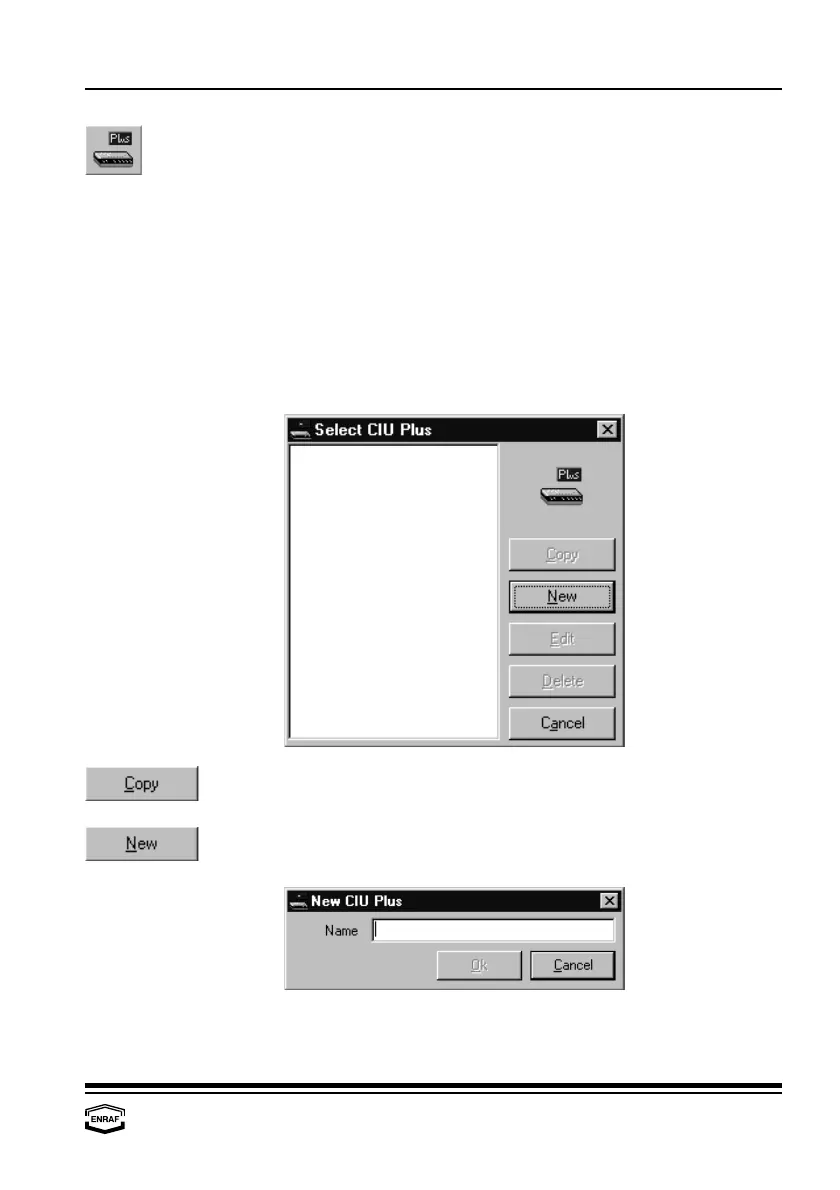
Press the ‘Copy’-button to copy the highlighted CIU Plus from the list.
Only specific data must be changed afterwards.
When the CIU Plus is not in the list (yet), a new CIU Plus has to be
created. Press the ‘New’-button to add a CIU Plus:



 To Next Page