Configure data inputs
Instruction manual Ensite Pro Configuration Tool Page 23
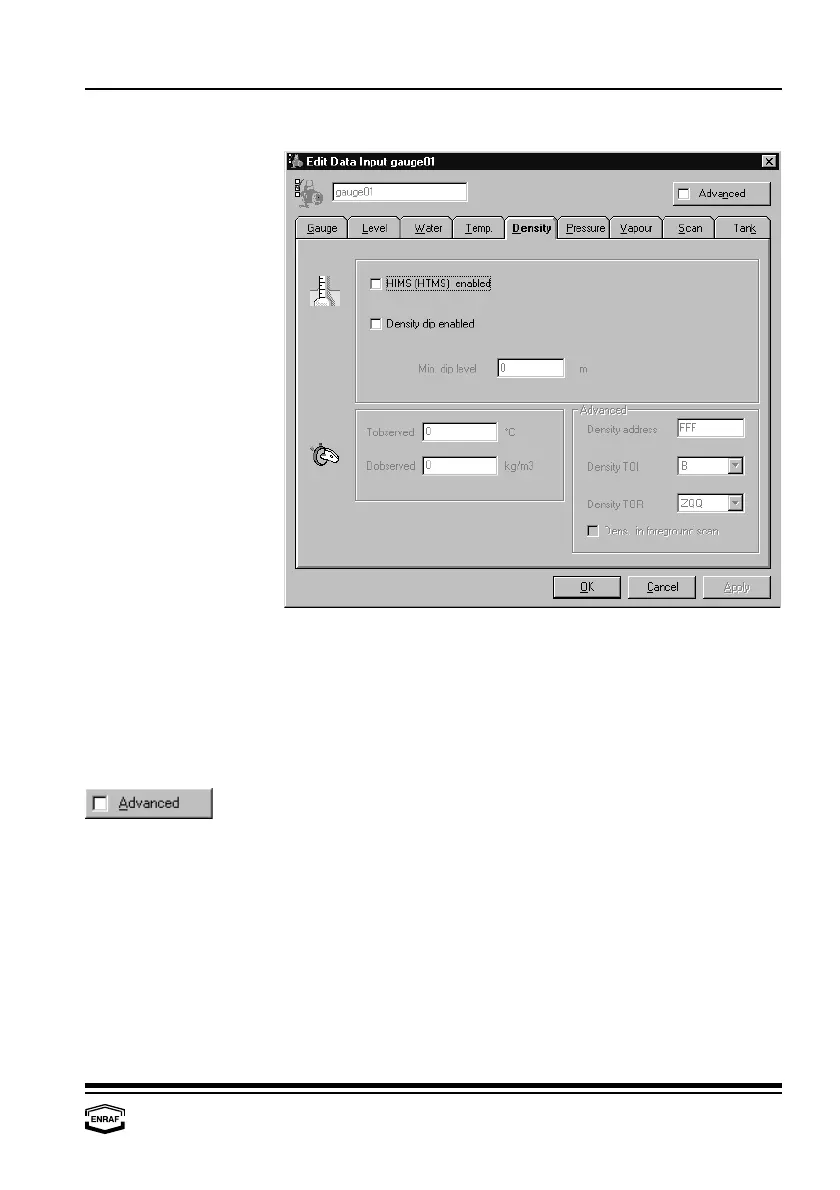
Density
HIMS (HTMS) enabled
Check to enable density scan from HIMS configuration.
Density dip enabled
Check to enable density scan from servo gauge.
Min. dip level
Enter minimum density level
Manual overwrite
Enter manual (=observed) density together with the observed
temperature.
Firs enable HIMS/HTG or Density dip
Density address
Enter density transmission address
Density TOI
Select: B, C or E
Density TOR
Select: ZQQ
Density in foreground scan
Check to enable



 To Next Page