Configure links
Page 56
Configure links
After all individual components (CIU Prime, CIU Plus, tanks and data
inputs) have been configured, they have to be linked to each other.
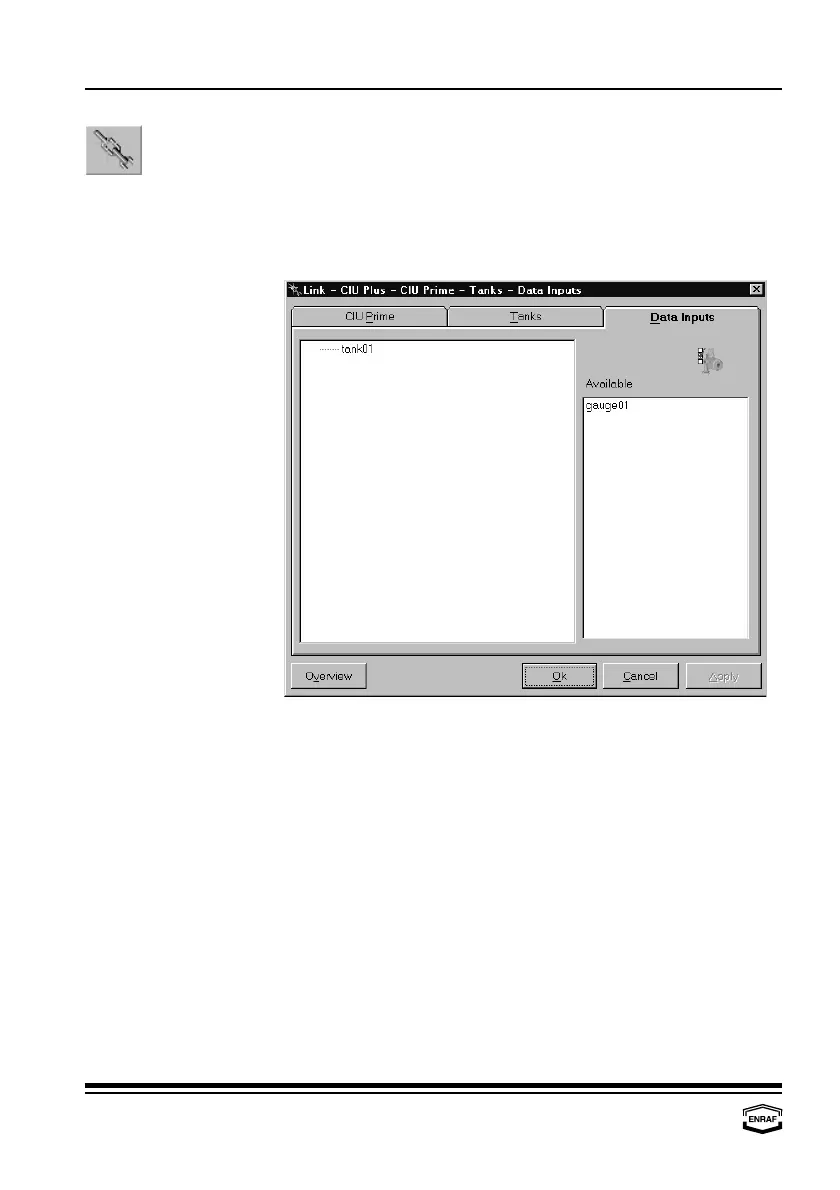
Data inputs
The left column displays the available tanks, the right column displays
the available data inputs.
Drag a data input from the right list to the tank where it is physically
connected to.



 To Next Page