Configure data inputs
Instruction manual Ensite Pro Configuration Tool Page 17
Configure data inputs
The data inputs (instruments in the field) collect data such as level,
temperature, density and/or pressure. The instruments measure the
data and transmit it upon request of higher layered systems.
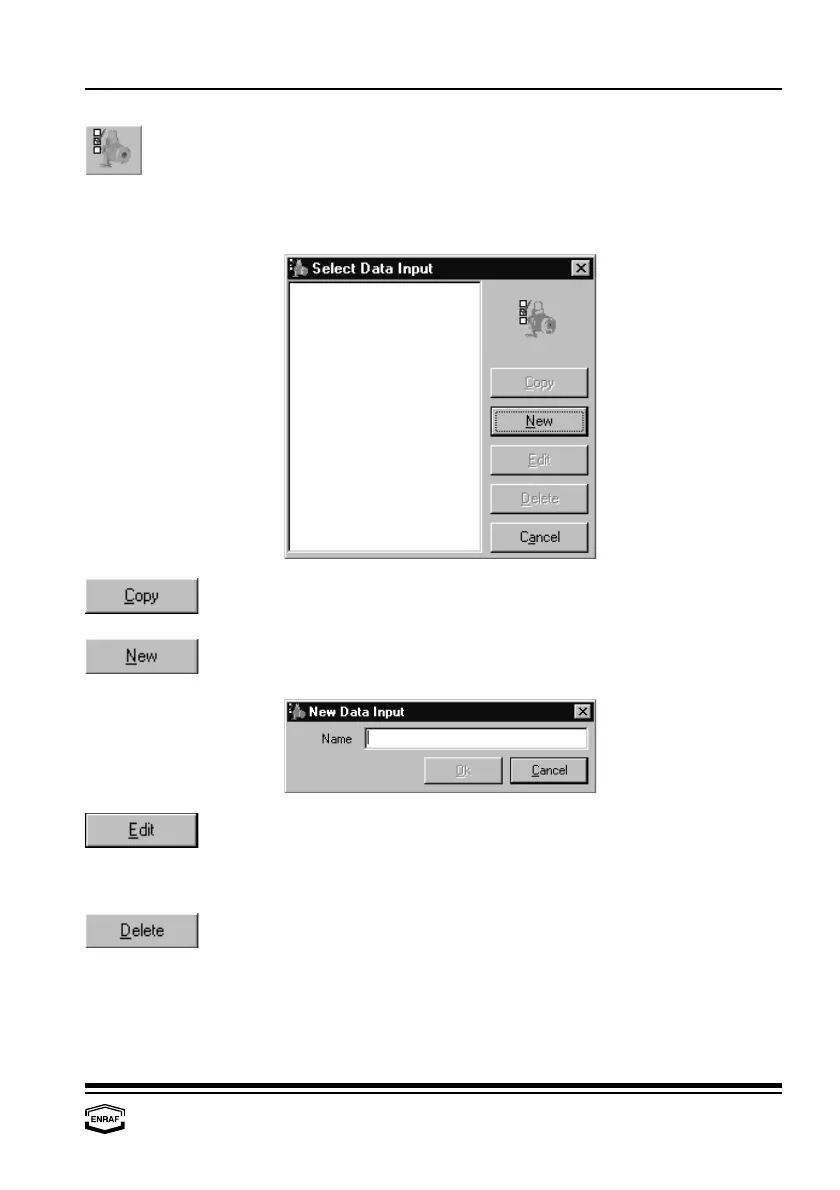
Press the ‘Copy’-button to copy the highlighted data input from the list.
Only specific data must be changed afterwards.
When the data input is not in the list (yet), a new data input has to be
created. Press the ‘New’-button to add a data input:
Press the ‘Edit’-button to edit data from the highlighted data input:
- Gauge - Water - Density - Vapour
- Level - Temperature - Pressure - Scan
Press the ‘Delete’-button to remove the highlighted data input from the
list.



 To Next Page