User privileges
Instruction manual Ensite Pro Configuration Tool Page 75
User privileges
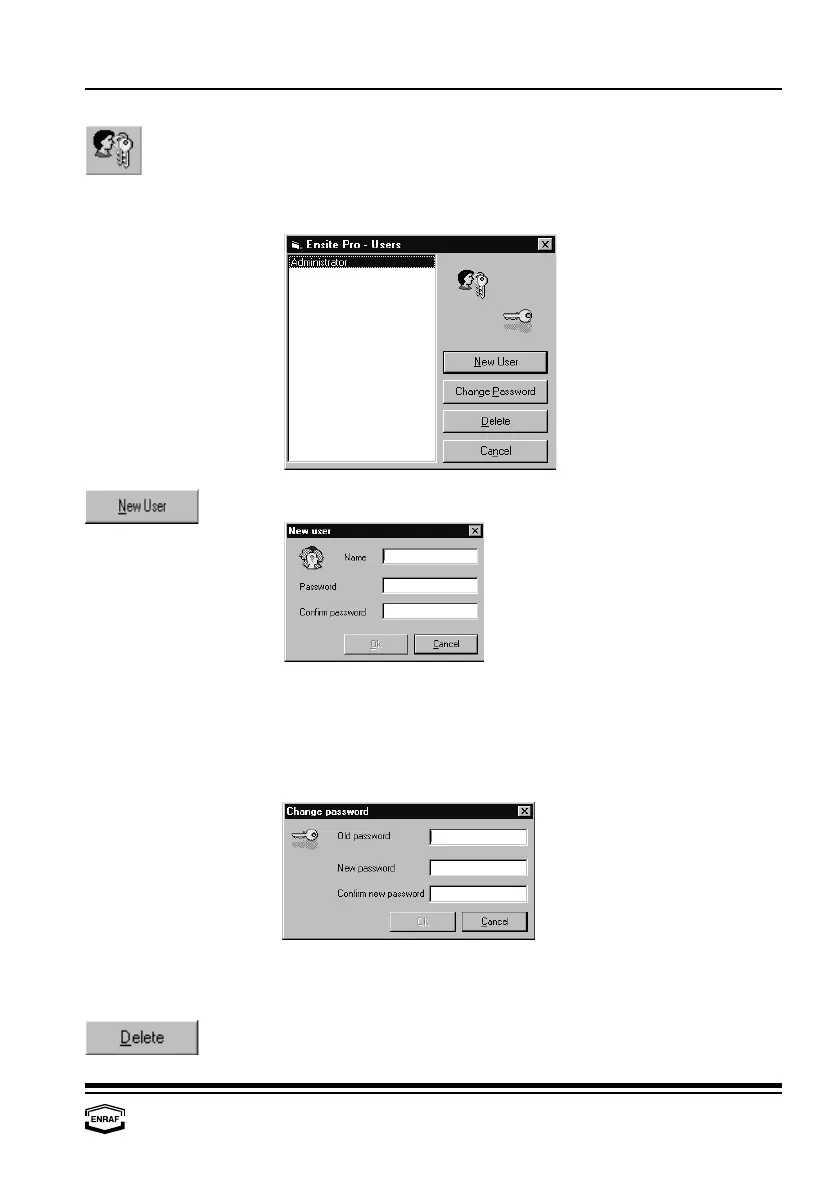
The configuration tool can be operated by different users. The list box
displays all users that already exist.
Press the ‘New User’-button to add a new user to the list
Name Enter user name
Password Enter password
Confirm password Enter password again to confirm
Press the ‘Change Password’-button to change the password of a
user that already exists:
Old password Enter the old password
New password Enter the new password
Confirm new password Enter new password again to confirm
Press the ‘Delete’-button to remove the highlighted user from the list.



 To Next Page