Configure data inputs
Page 20
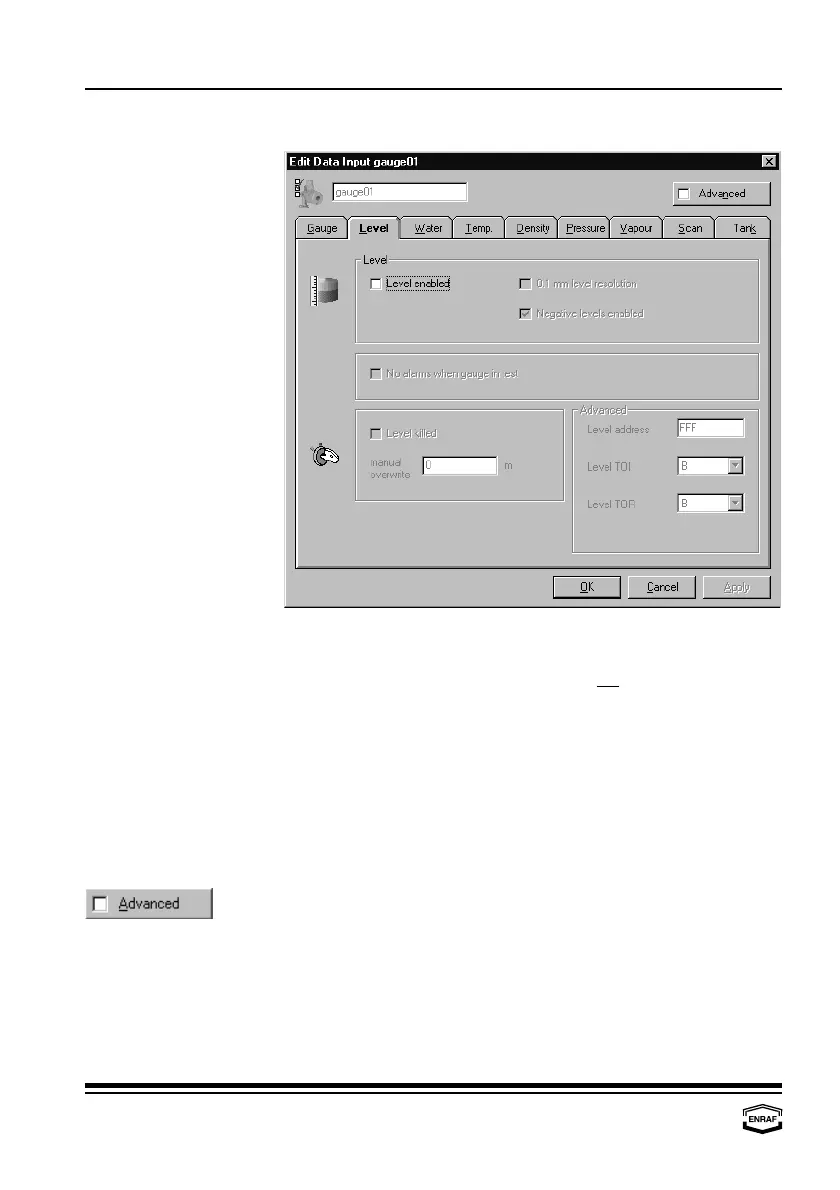
Level
Level enabled
Check to enable level scan.
0.1 mm level
Check to enable. This selection is only possible if the level dimension
resolution
is set to ‘m’ or ‘mm’ and if the gauge type is not 811, 813, 866 or 872.
Negative levels
Check to enable. This selection is only possible for gauge types
enabled
854, 872, 873 and 894.
No alarm when gauge in test
Check to disable gauge alarms during operational commands.
Level killed
Check to disable level scan.
Manual overwrite
Enter manual product level.
First enable level.
Level address
Enter level transmission address
Level TOI
Select: A, B, C, E or M
Level TOR
Select: B, J, L, M or ZLQ (the combination of level TOR ‘ZLQ’ and
level type ‘Ullage’ is not possible. With level type ‘Ullage’,
use level TOR ‘L’).



 To Next Page