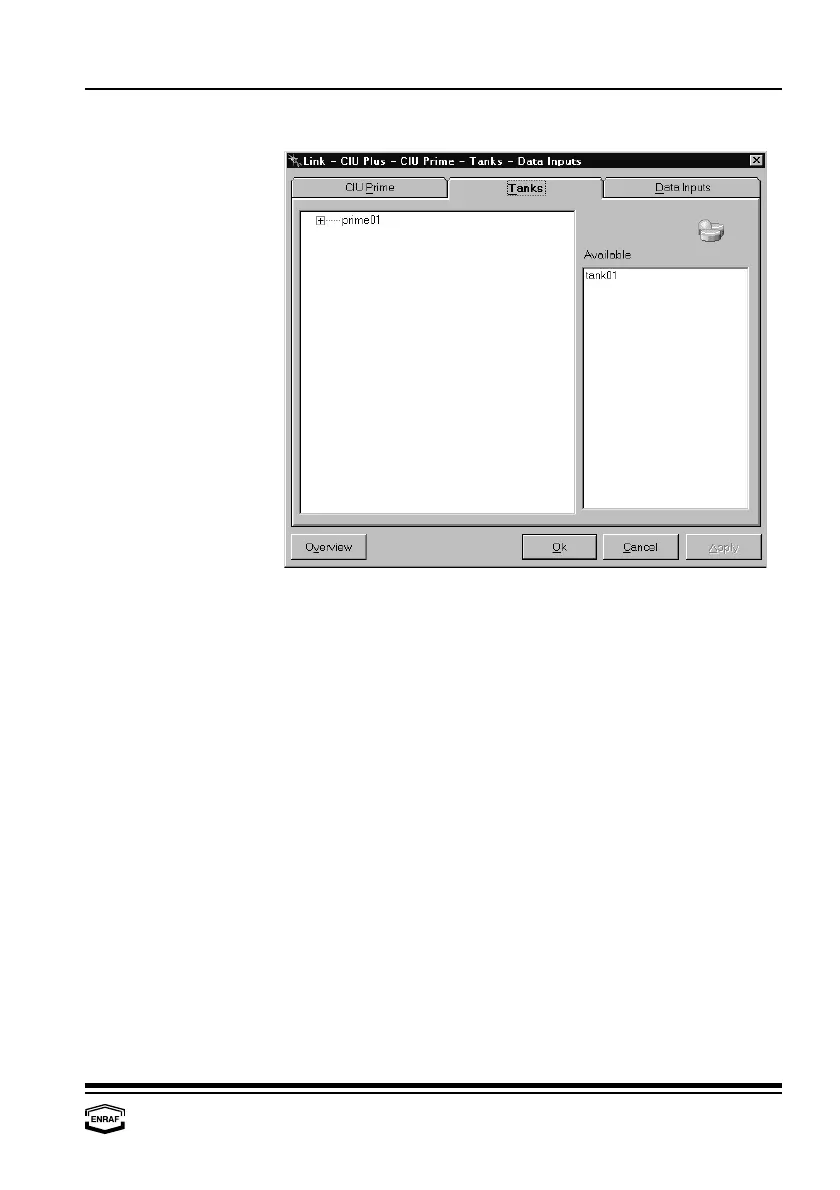
Configure links
Instruction manual Ensite Pro Configuration Tool Page 57
Tanks
The left column displays the available CIU Primes, the right column
displays the available tanks.
Expand the structure of the CIU Prime by clicking the ‘plus’. Now the
four FieldPorts appear.
Drag a tank from the right list to the FieldPort of the CIU Prime where
it is physically connected to.



 To Next Page