Configure data inputs
Page 22
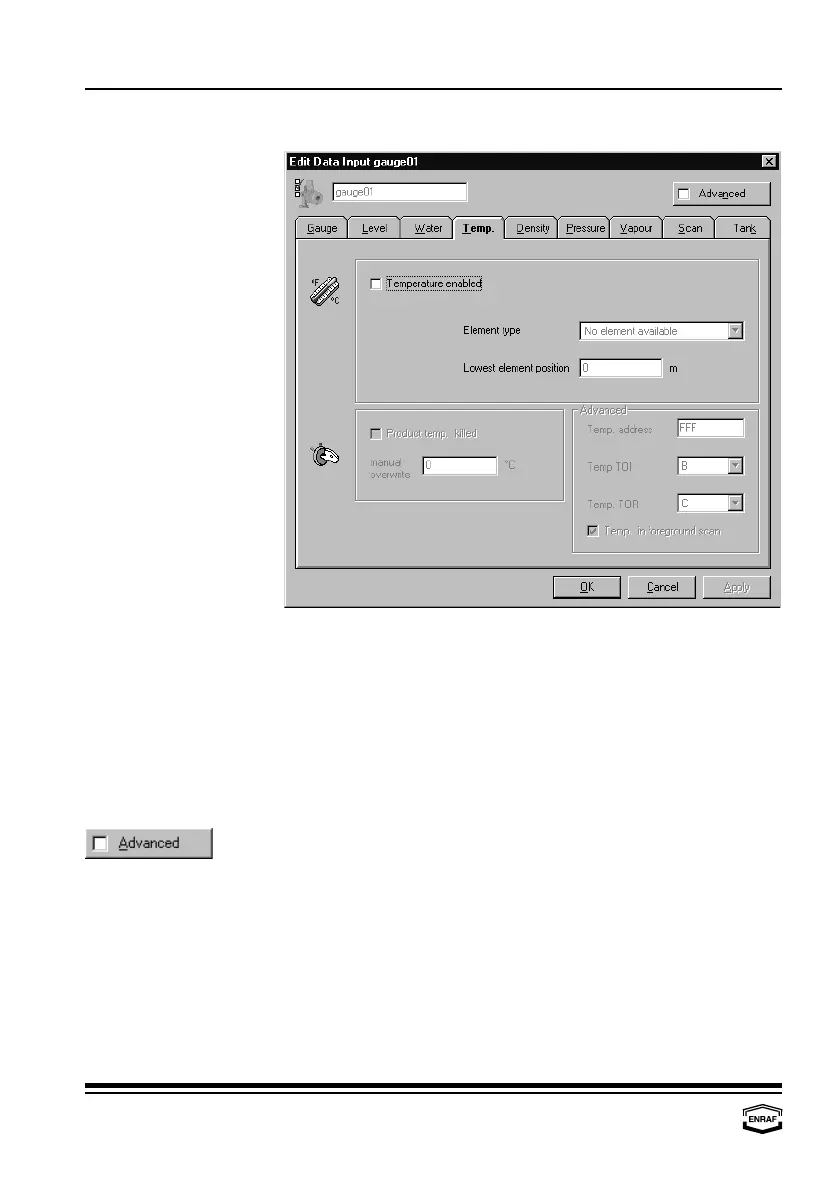
Temperature
Temperature enabled
Check to enable product temperature scan.
Element type
Select: No element available, MRT, MRT with bottom spot, MRT
with bottom and top spot, One spot element, Two spot
element or MTT
Lowest element position
Enter lowest temperature element position.
Product temp. killed
Check to disable product temperature scan.
Manual overwrite
Enter manual product temperature
First enable temperature.
Temp. address
Enter product temperature transmission address
Temp. TOI
Select: A, B, C, E or M
Temp. TOR
Select: C or ZAG
Temp. in foreground scan
Check to enable



 To Next Page