Global settings
Page 16
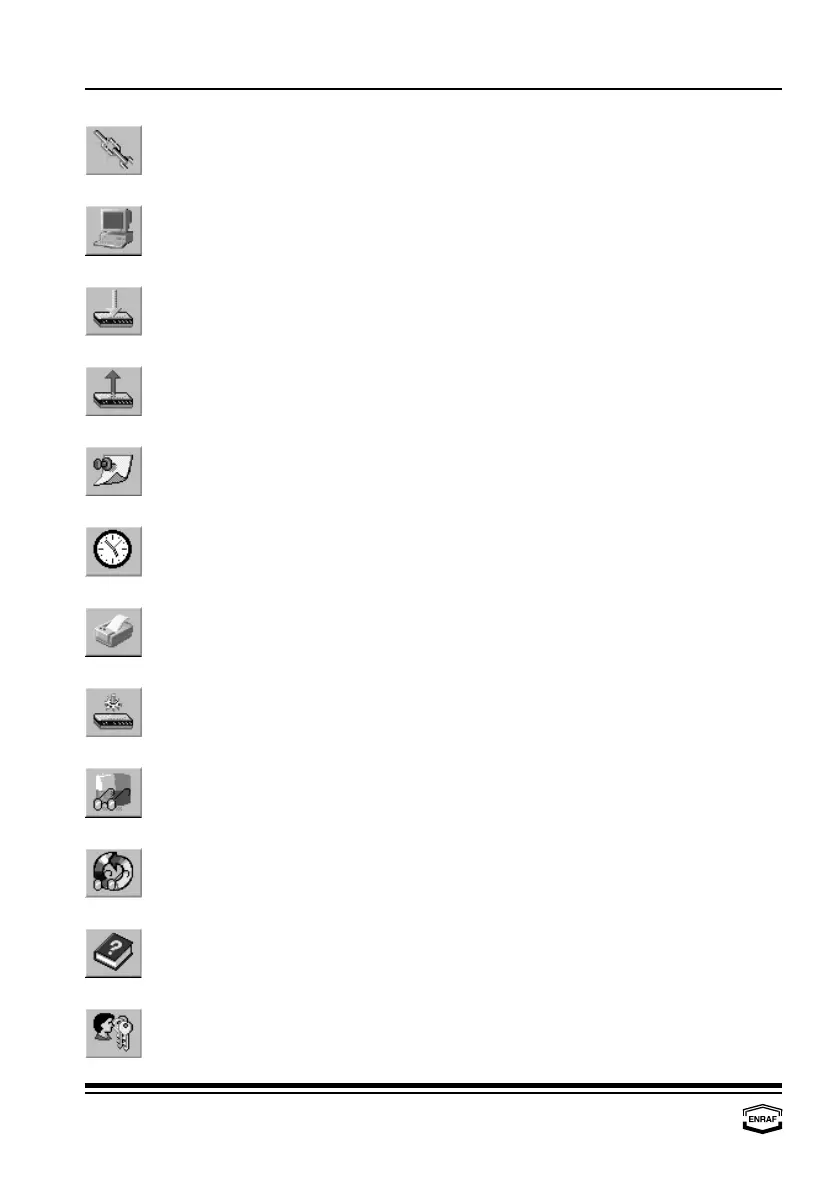
Configure links.
After all individual components (CIU Prime, CIU Plus, tanks and data
inputs) have been configured, they have to be linked to each other.
Communication setup.
To be able to communicate via the configuration tool, communication
parameters must be set.
Download configuration.
The (new) programmed configuration must be downloaded for the CIU
Prime / Plus to work with.
Upload configuration.
The upload function is standard disabled in the toolbar.
Service note(s).
The build in text editor gives the possibility to store information about
the current site.
Set date and time.
The current date and time of the CIU Prime / Plus , can be (re-)set.
Print configuration.
The whole configuration can be printed to have a hard copy.
Show diagnostic data.
The build in diagnostic data views, reads and writes data direct from
and to the CIU Prime / Plus.
Tank viewer.
All measured and calculated data from one tank can be viewed.
Scan viewer.
The field scan can be viewed.
Help.
The build in help document assists at any time.
User privileges.
Access parameters for different users must be set.



 To Next Page