Global settings
Instruction manual Ensite Pro Configuration Tool Page 15
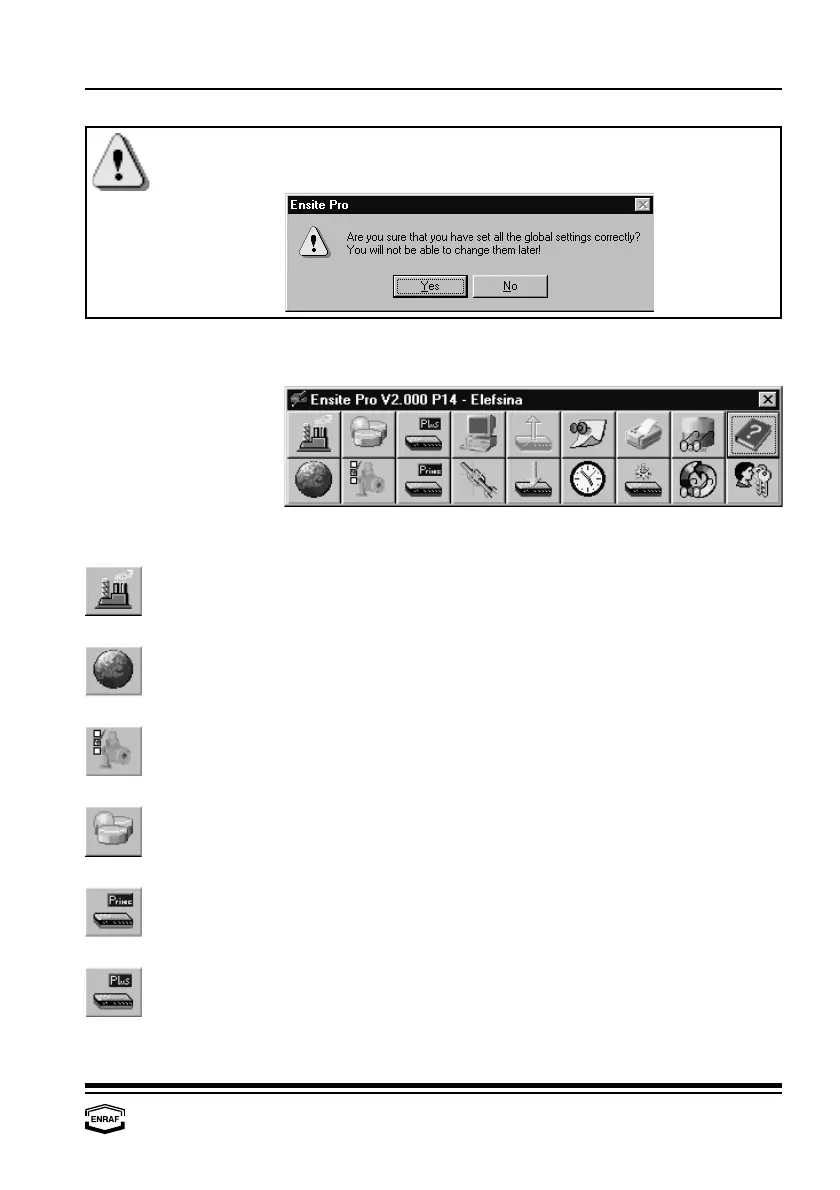
After all global settings are made, the program warns the user that it
is not possible to change the settings anymore:
When confirmed, the program displays the following window:
The following buttons are available:
Select site.
A site gives an overview of the configuration at a specific customer’s
site.
Global settings.
Global settings cover the way data is represented, as well as some
local figures. These settings are valid for the particular site only.
Configure data inputs.
The data inputs collect data such as level, temperature, density and/or
pressure.
26
Configure tanks.
A tank is a (large) container to store liquids or gases.
Configure CIU Prime.
The CIU Prime is an interface between the field instrumentation and
inventory systems. To setup the CIU Prime, the port configuration
must be programmed.
Configure CIU Plus.
The CIU Plus calculates volume, standard volume, mass, density,
flow rate etc. To setup the CIU Plus, the port configuration must be
programmed.



 To Next Page