Communication setup
Page 60
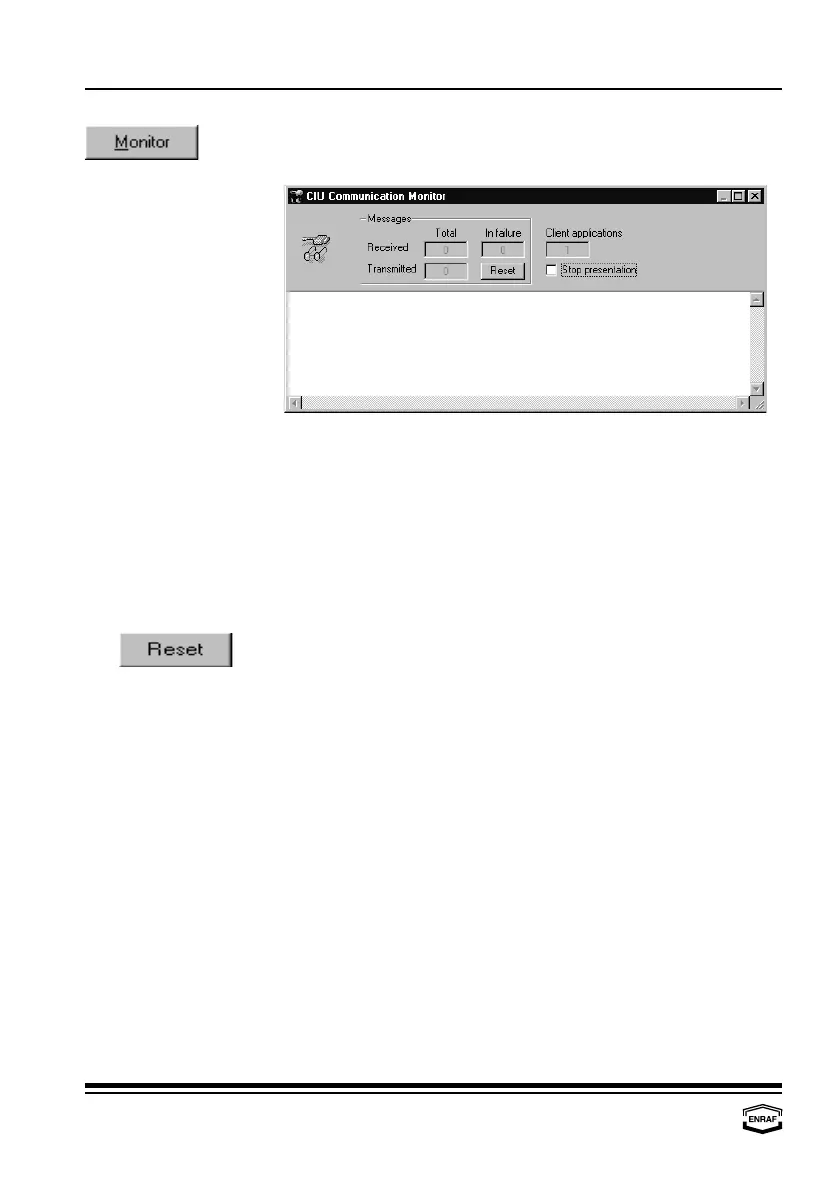
Press the ‘Monitor’-button to view communication.
The following window is shown:
Stop presentation Check to freeze data on the monitor.
Messages
Received
Total
Number of received messages
In failure
Number of failing messages
Transmitted
Total
Number of transmitted messages
Press the ‘Reset’-button to reset the message counters.
Client application Displays the number of applications (programs) running
simultaneously.



 To Next Page