Envision One cDLM® User Manual
TS-MAM-EnvisionOneCDLMUserManual-V5.0-FN-EN , 2021-12-15
4 Technical Data
4.1 Mechanical Data
1 year back to factory included
4.2 Electrical Requirements
We strongly recommend you use an uninterrupted power supply to protect your printer. All electrical requirements
must be met to ensure the most stable setup:
1. Ensure there is a sufficient clean electrical socket that fluctuates no more than +/-3% (EU: +/-5%) from
its baseline.
2. Do not plug any additional equipment into the power circuit.
3. The Envision One requires 110 volts with no less than 5 amps.
4. The oxygen concentrator requires 120 volts with no less than 3 amps.
5. Oxygen Concentrator: Power supply: 220V ± 22V, 50Hz ± 1Hz/110V ± 15V, 60Hz ± 1Hz Operation
voltage (V/Hz): AC220/50 AC110/60
6. Plug the printer and oxygen concentrator into separate surge protectors or separate battery backups.
7. The Envision One does not require a dedicated server. It can be connected wirelessly, hard-wired into
the network, or directly connected to a computer.
Risk of injury! Risk of damage to the printer!
Failure to use the grounding devices may lead to damage or injuries!
• Connect ground wire before using!
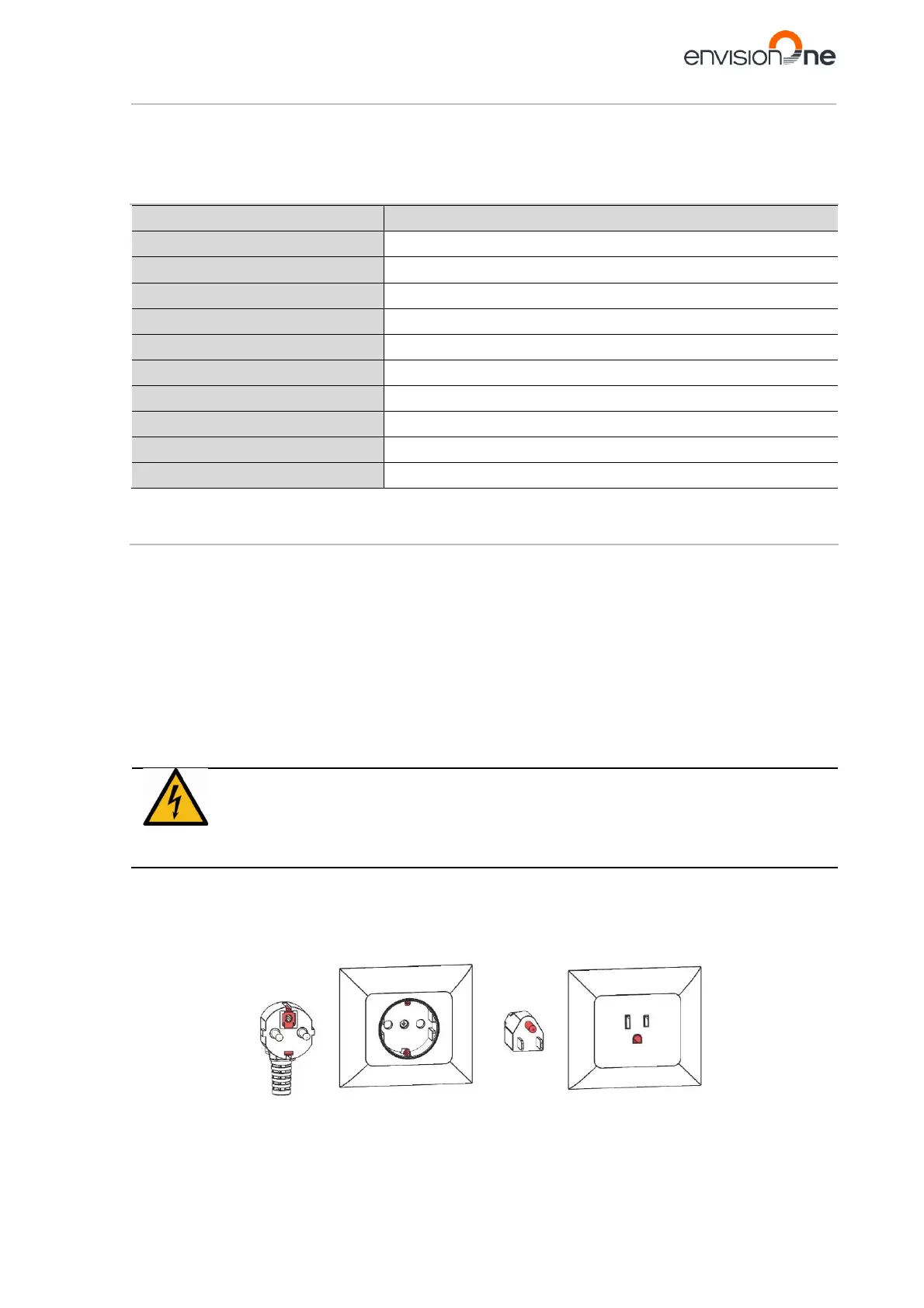
• Only use the grounding adapters of the plug & socket type targeted for the country of intended
Grounding of electrical receptacles is an important safety feature that minimizes the risk of electric shock and
protects electrical equipment from damage. For proper operation and in order not to disrupt the operation of the
printer, ground the printer before start working with it!
Figure 1: Grounded plug and outlet for Europe Figure 2: Grounded plug and outlet for the US



 To Next Page