Envision One cDLM® User Manual
TS-MAM-EnvisionOneCDLMUserManual-V5.0-FN-EN , 2021-12-15
8.6 Move & Calibration Tab
The Move & Calibration tab is used for moving the build platform and calibration of Home position.
8.6.1 Move
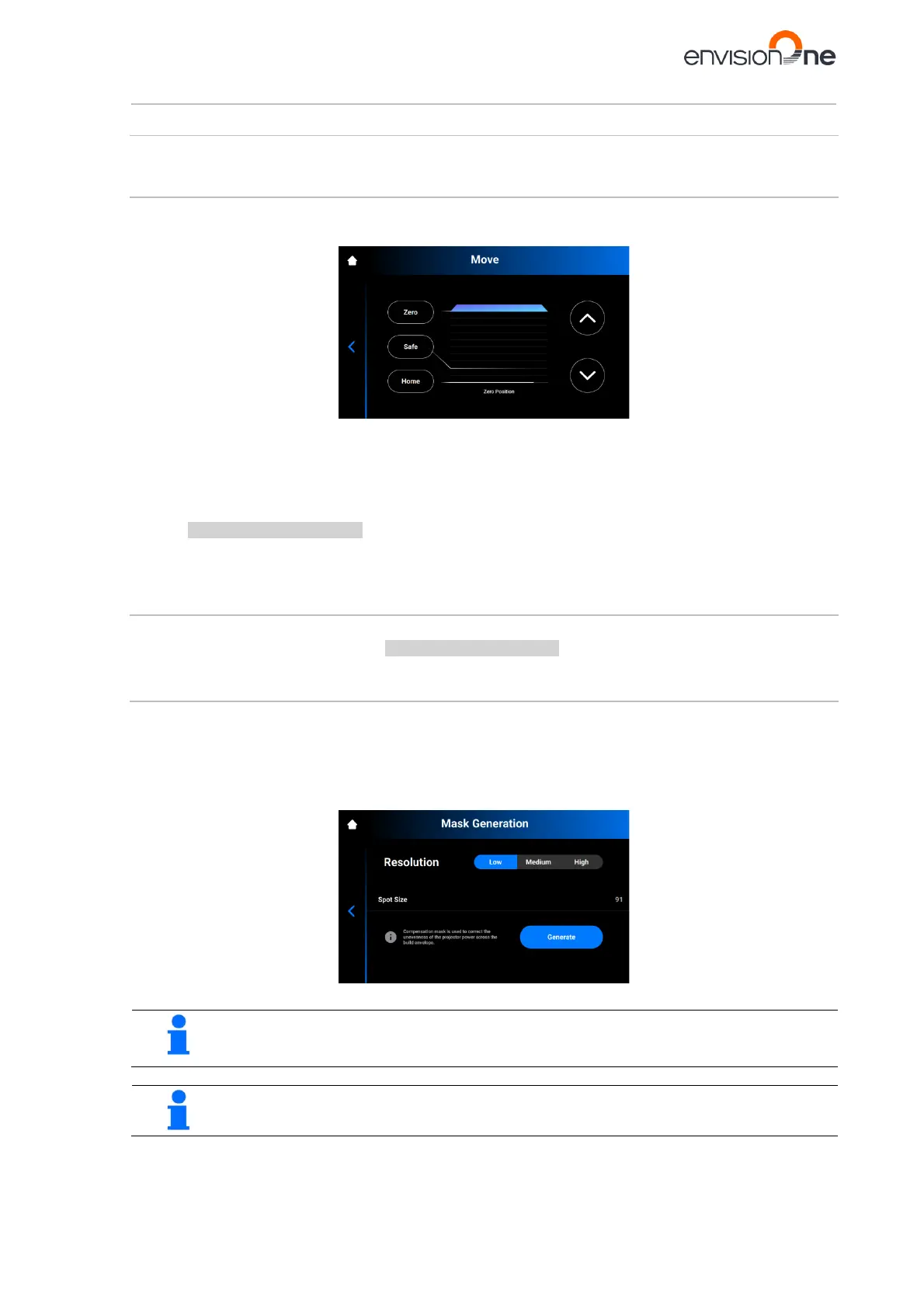
This tab allows the operator to move the build platform along the Z-axis.
Tap Settings | Move & Calibration | Move to open the tab.
Tap the up and down arrows to move the platform up and down correspondingly.
• Zero position is the highest position of the build platform along the Z-axis.
• Home position is the start position of the build platform for printing.
• Safe position is the safe position of the build platform between Zero position and Home position for
Calibrate the Home Position.
• Dry position is the lowest position of the build platform along the Z-axis. It is used for calibration of the
platform while the material tray is empty of the material.
8.6.2 Home Calibration
Tap Settings | Move & Calibration | Home Calibration to open the tab.
For detailed information, see the section Calibrate the Home Position of this User Manual.
8.6.3 Mask Generation
Step-by-step:
1. Insert the empty material tray to the material tray holder.
2. On the main screen of the Envision One Control Software, tap Settings | Move & Calibration | Mask
Generation.
→ The following message appears.
3. Select a resolution (Low, Medium or High) in the Resolution field.
NOTICE
Resolution defines the number of measurements that need to be done. The higher the resolution,
the more measurements are needed.
The spot size is set automatically based on the printer type and build envelope size.



 To Next Page