Envision One cDLM® User Manual
TS-MAM-EnvisionOneCDLMUserManual-V5.0-FN-EN , 2021-12-15
6.3.7 Hall sensors
Information described in this subsection is only applicable if the printer is equipped with hall sensors!
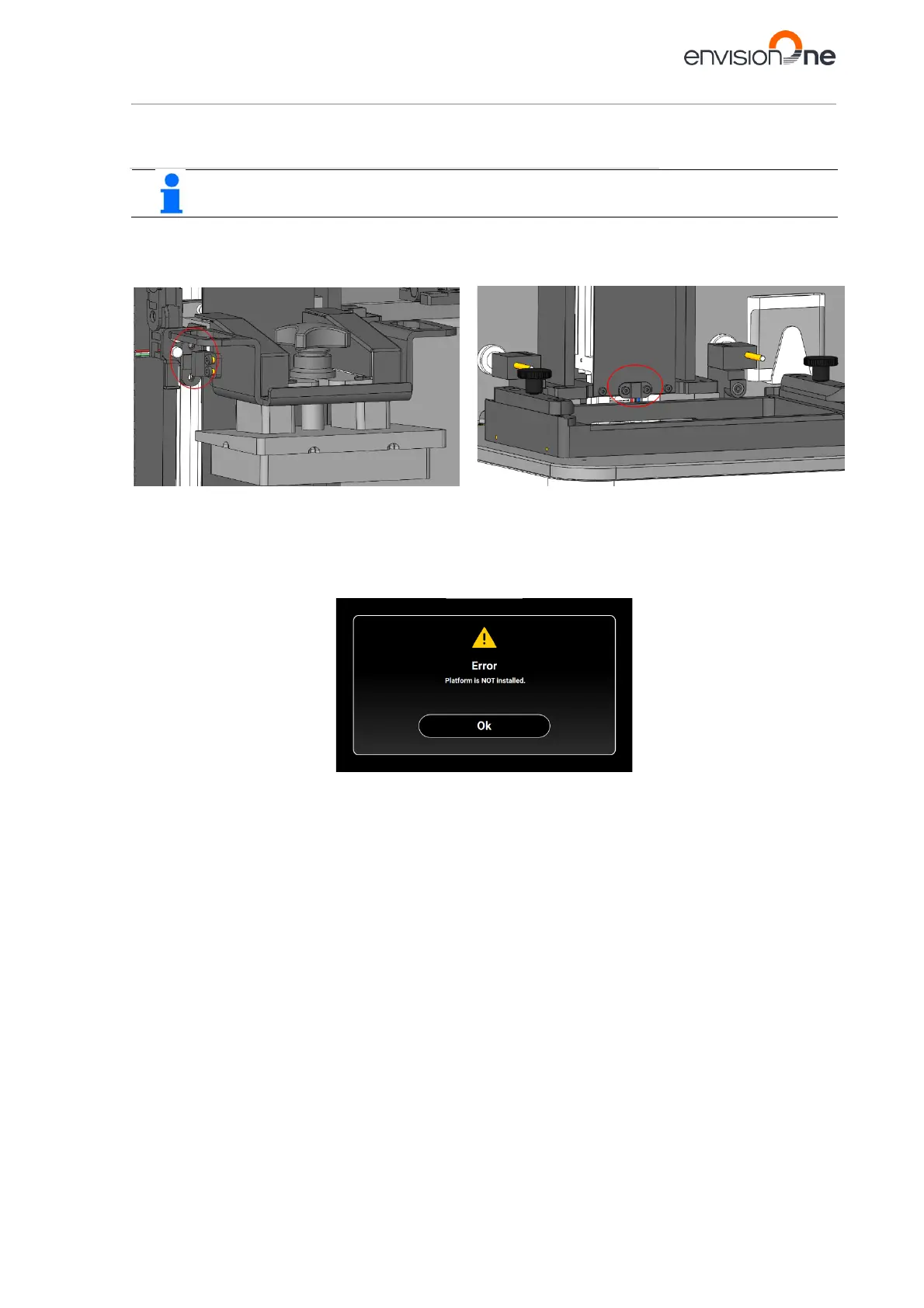
These sensors are used to detect the presence of the build platform and the material tray on the printer. There are
two of them on the printer: one for the build platform and one for the material tray.
The hall sensors detect when the build platform and material tray are not installed. The sensors prevent the job
from starting and the corresponding error message appears on the screen.
Figure 9: Hall sensor for the build platform
Figure 10: Hall sensor for the material tray
Figure 8: Oxygen concentrator



 To Next Page