Envision One cDLM® User Manual
TS-MAM-EnvisionOneCDLMUserManual-V5.0-FN-EN , 2021-12-15
8.3.4 Software Update
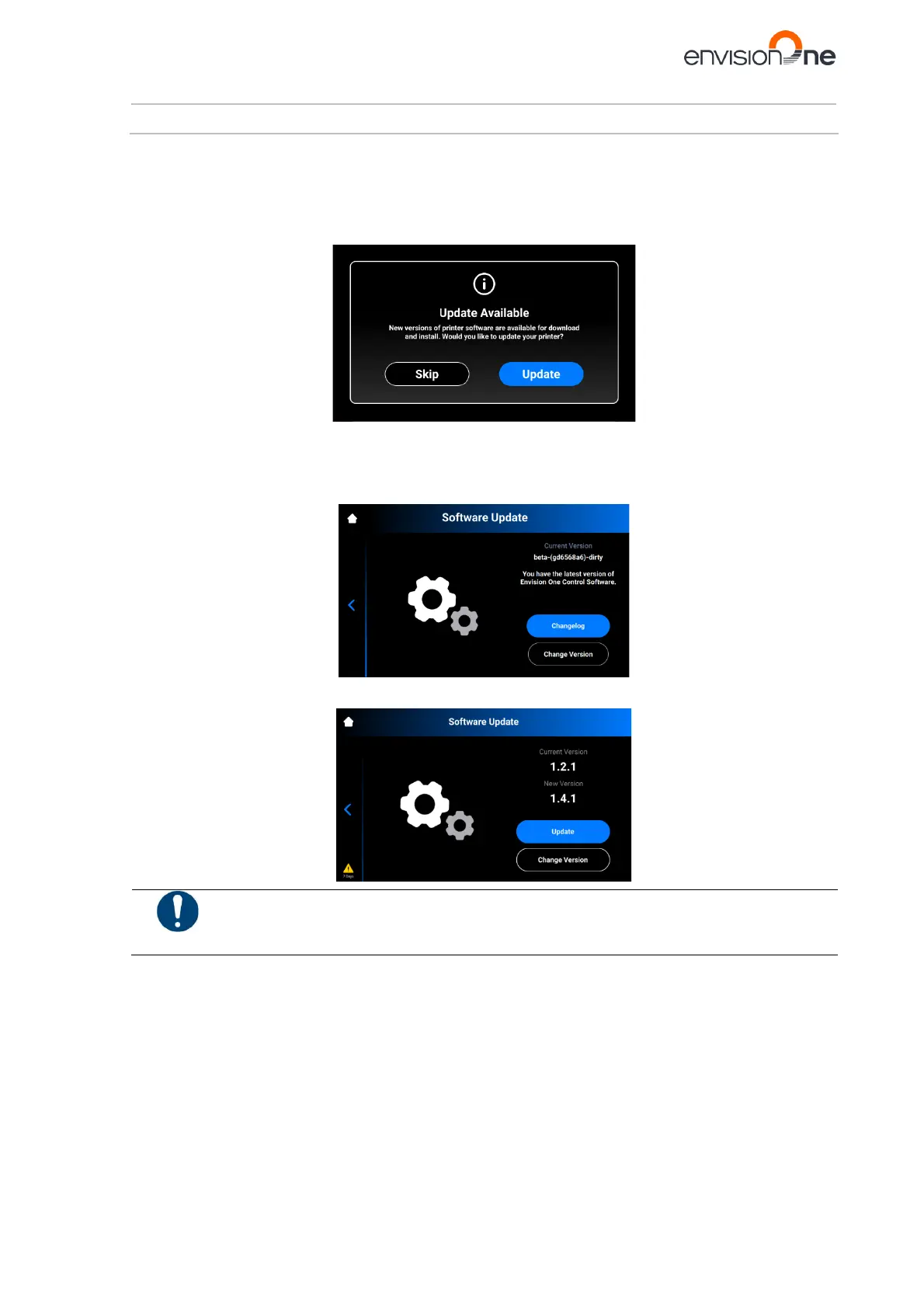
The Software Update tab provides information about the current versions of software and the new versions of
software if they are available.
To update the Envision One with a new version of the software, you need to check the Software Update tab on
the touch screen which provides information about the current versions of software and the new versions of software
if they are available.
Tap Settings | Printer Settings | Software Update to open the tab.
If the latest versions of software are installed on the printer, the [ChangeLog] button is available. It allows the
operator to check the detailed information about the current versions of software.
If there are any software updates, the [Update] button is available.
Risk of damage to the printer!
Do not turn the printer off during update!



 To Next Page