Envision One cDLM® User Manual
TS-MAM-EnvisionOneCDLMUserManual-V5.0-FN-EN , 2021-12-15
3. Tap [Connect].
→ The control screen appears.
4. Proceed working on the printer.
UltraVNC Viewer
Step-by-step:
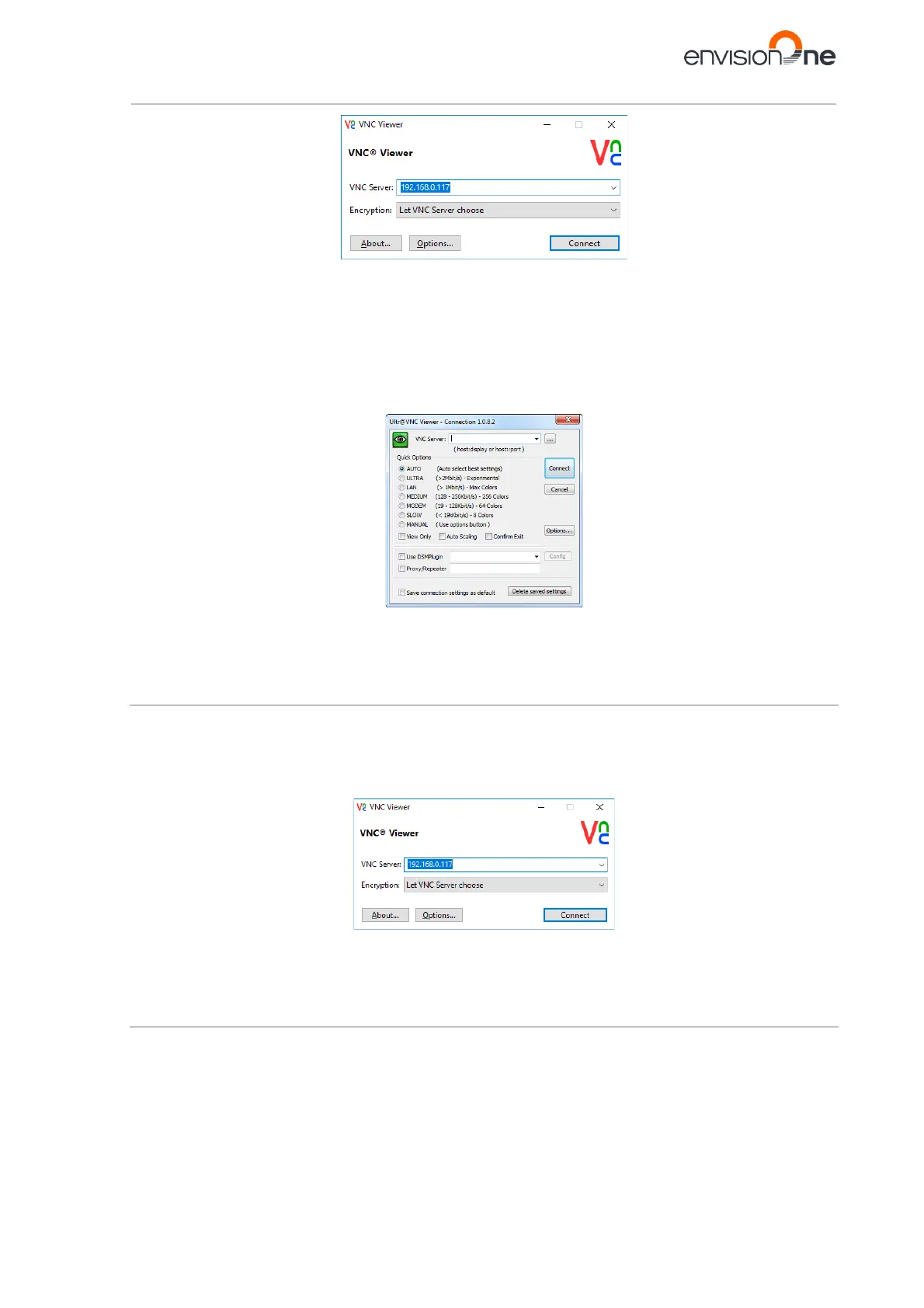
1. Download UltraVNC Viewer and open the program.
2. Type the IP address into the VNC Server box.
3. Tap [Connect].
→ The control screen appears.
4. Proceed working on the printer.
7.8.2 Supported Clients for Linux
VNC-Viewer
Step-by-step:
1. Download VNC Viewer and open the program.
2. Type the IP address into the VNC Server box.
3. Tap [Connect].
→ The control screen appears.
4. Proceed working on the printer.
7.8.3 Supported Clients for Android
bVNC Free
Step-by-step:
1. Type the connection name and the IP address into the boxes marked below.



 To Next Page