Envision One cDLM® User Manual
TS-MAM-EnvisionOneCDLMUserManual-V5.0-FN-EN , 2021-12-15
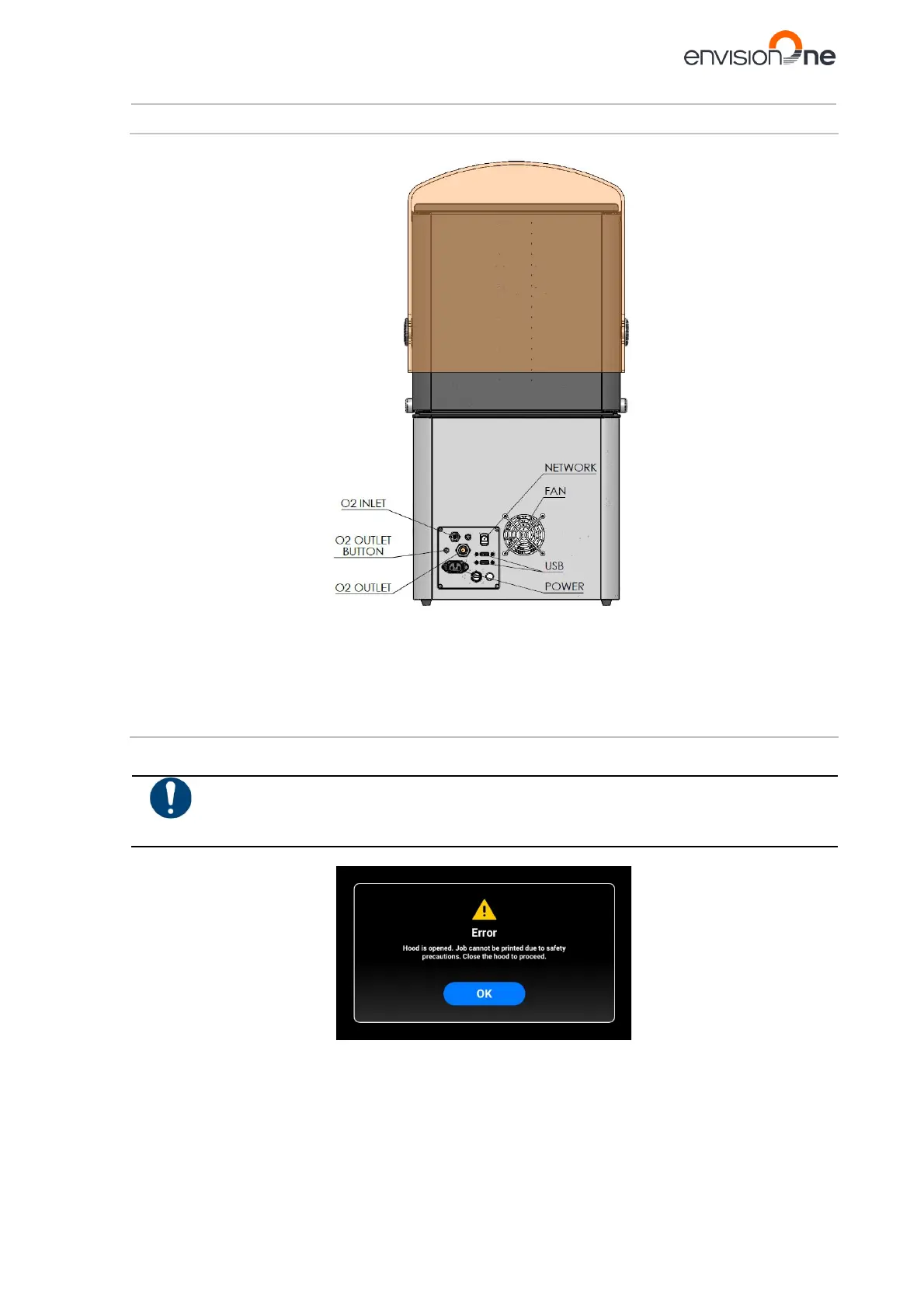
6.2.2 Back View
Figure 4: Back view of the printer
6.3 Main Printer Components
6.3.1 Hood
The hood of the printer has no locking mechanism. Open or close the hood manually by rotating it on its hinges.
Risk of injury!
The protection hood must always be closed, except when removing models from the printer. After
the models are removed, close the hood on the printer.
If the hood opens during the printing process, then the job will pause and the following message will appear.



 To Next Page