Envision One cDLM® User Manual
TS-MAM-EnvisionOneCDLMUserManual-V5.0-FN-EN , 2021-12-15
8.3.2 Units
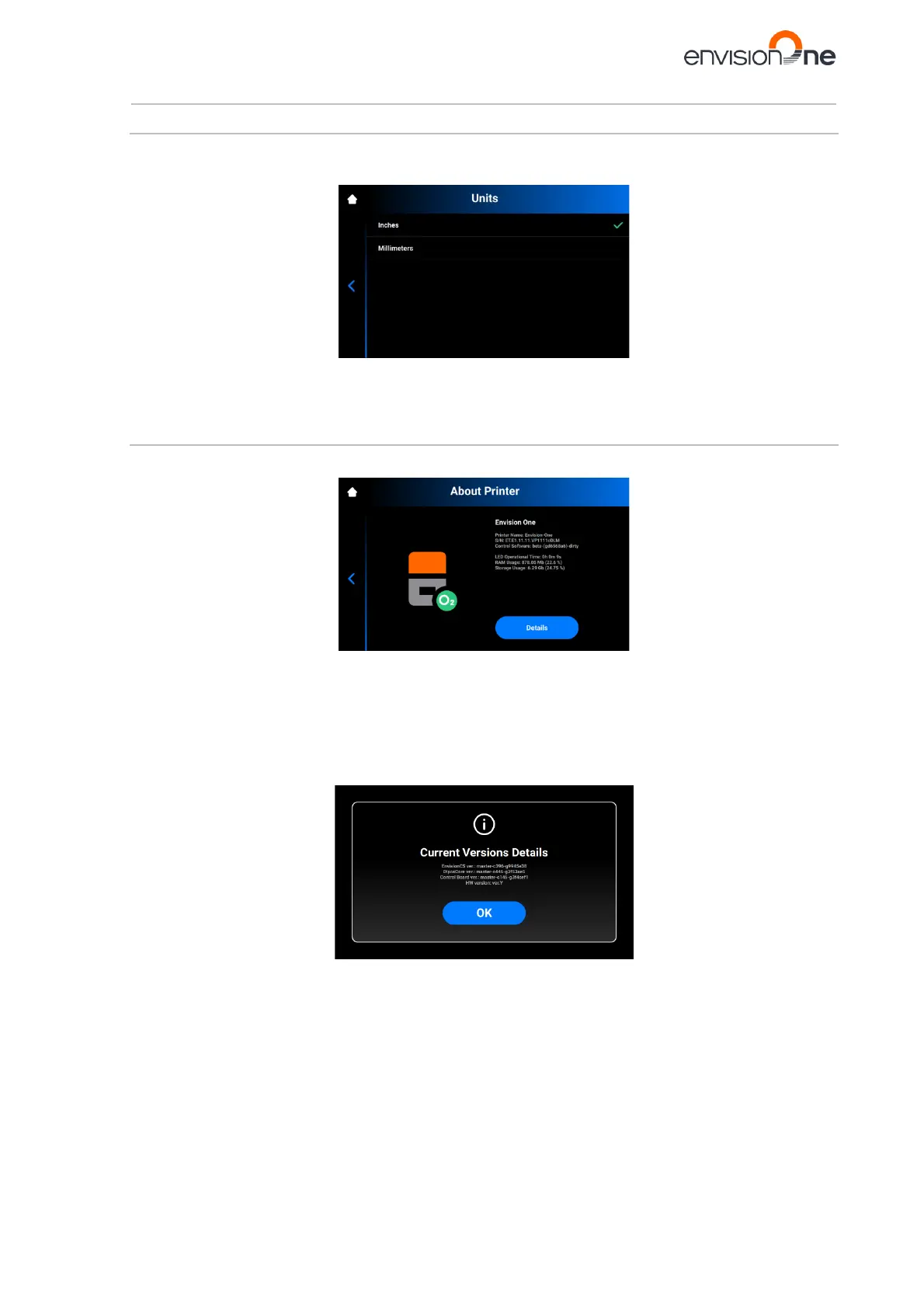
The Units tab allows for selecting the units of measurement for the motion parameters.
1. Tap Settings | Printer Settings | Units.
2. Select Inches or Millimeters by tapping the corresponding field.
→ The units of measurement are changed.
8.3.3 About Printer
The About Printer tab provides information about the printer.
Tap Settings | Printer Settings | About Printer to open the tab.
• Printer Name: the name of the printer;
• S/N: printer serial number;
• Control Software: the version of control software set on the printer;
• LED Operational Time: the time of LED operation;
• RAM Usage: the volume of the occupied memory (as percentage of the total volume);
• Storage Usage: the volume of the occupied storage (as percentage of the total storage).
For more in-depth information on the printer, tap Details.
• EnvisionCS ver.: the version of control software set on the printer;
• DlpcsCore ver.: the version of the DLPCS Core;
• Control Board ver.: the version of control board;
• HW version: the version of firmware set on the printer.
To return to About Printer tab, tap OK.



 To Next Page