Envision One cDLM® User Manual
TS-MAM-EnvisionOneCDLMUserManual-V5.0-FN-EN , 2021-12-15
If material leaks into the oxygen system via the vent holes, then the material tray will need to be
replaced and the printer’s internal oxygen tubing system will need to be checked for additional damage.
12.2.3 Cleaning the Printer Casing
Time needed: Approximately two minutes
Maintenance frequency: Print-by-Print
Overview: The printer’s metal casing protects the internal components from damage. To avoid spilling material on
the casing, always hold a paper towel under the build platform and the material tray while installing or removing.
Once spilled, the material cures to the casing and it is difficult to remove it.
Step-by-step:
1. Wipe the spilled material as soon as it touches the printer before it cures.
2. Remove the majority of the spill with a dry paper towel first, then lightly spray a second paper towel with
IPA and wipe away any residue.
If rubbed with too much pressure or for too long, the casing may become discolored.
12.2.4 Cleaning the Hard Drive Space
Time needed: approximately five minutes
Maintenance frequency: Weekly
Overview: The Envision One has an internal PC that is capable of storing a limited amount of data. It is a good
practice to remove print job folders from the printer in order to free up space. When the majority of the hard drive
space has been used, the printer may show error messages or respond slowly to touch screen commands.
Step-by-step:
1. Power the printer on.
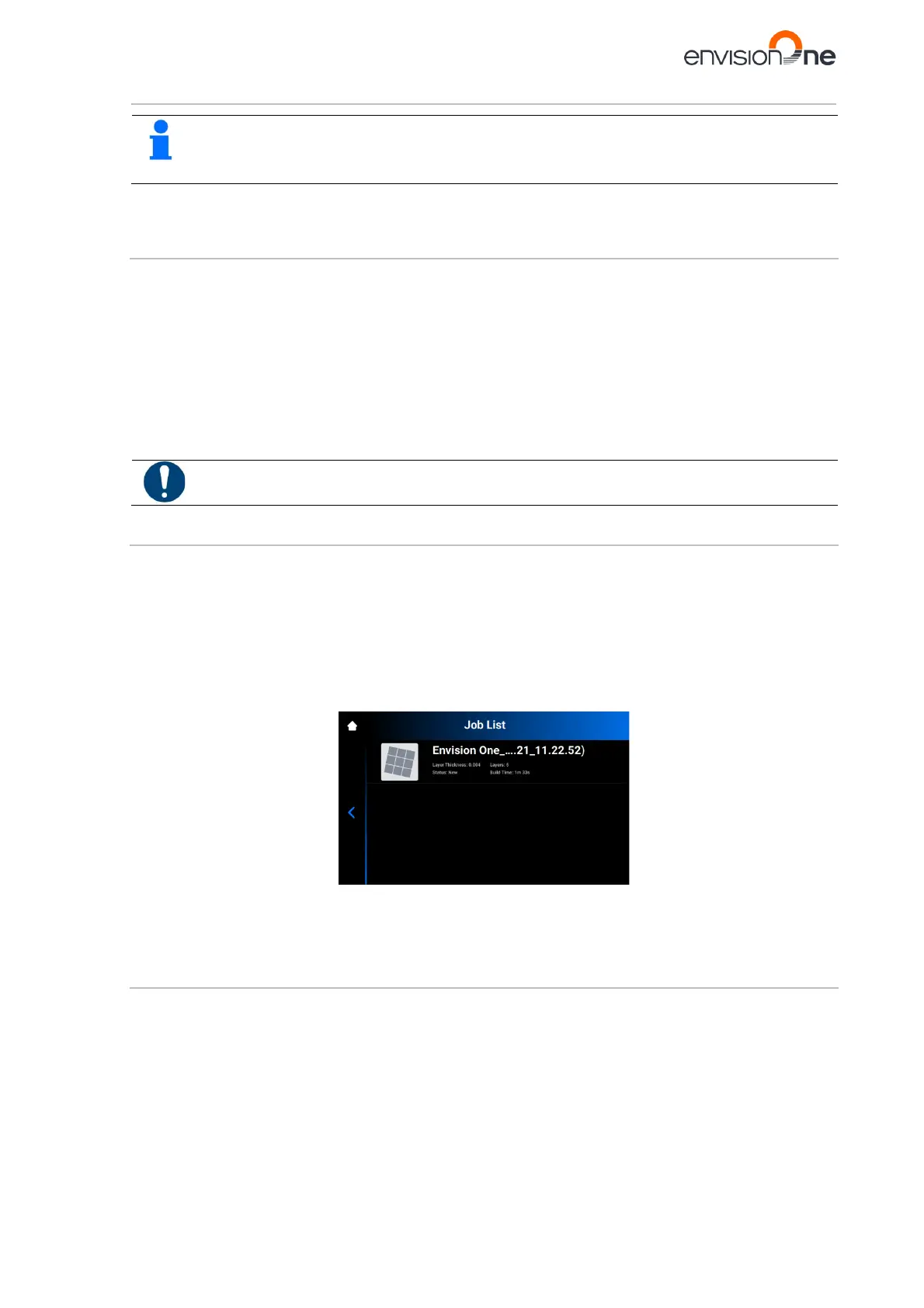
2. On the Envision One touch screen, tap Home | Job List.
3. Select the print job folder name.
4. Tap the Waste Bin icon.
→ The unwanted print job folder is now erased from the printer.
5. Repeat these steps until all unwanted print job folders have been removed.
12.2.5 Cleaning the PWA 2000 / Washing Containers
Time needed: Approximately fifteen minutes
Maintenance frequency: Weekly
Overview: The PWA 2000 needs to be emptied when the bottom of the container is no longer visible. The 99% IPA
will collect particles of uncured material over time. If using plastic washing containers instead of the PWA 2000, the
dirty bath will need to be emptied when the bottom of the container is no longer visible.
Step-by-step:
Check your local protocol for safe handling of 99% IPA.



 To Next Page