Envision One cDLM® User Manual
TS-MAM-EnvisionOneCDLMUserManual-V5.0-FN-EN , 2021-12-15
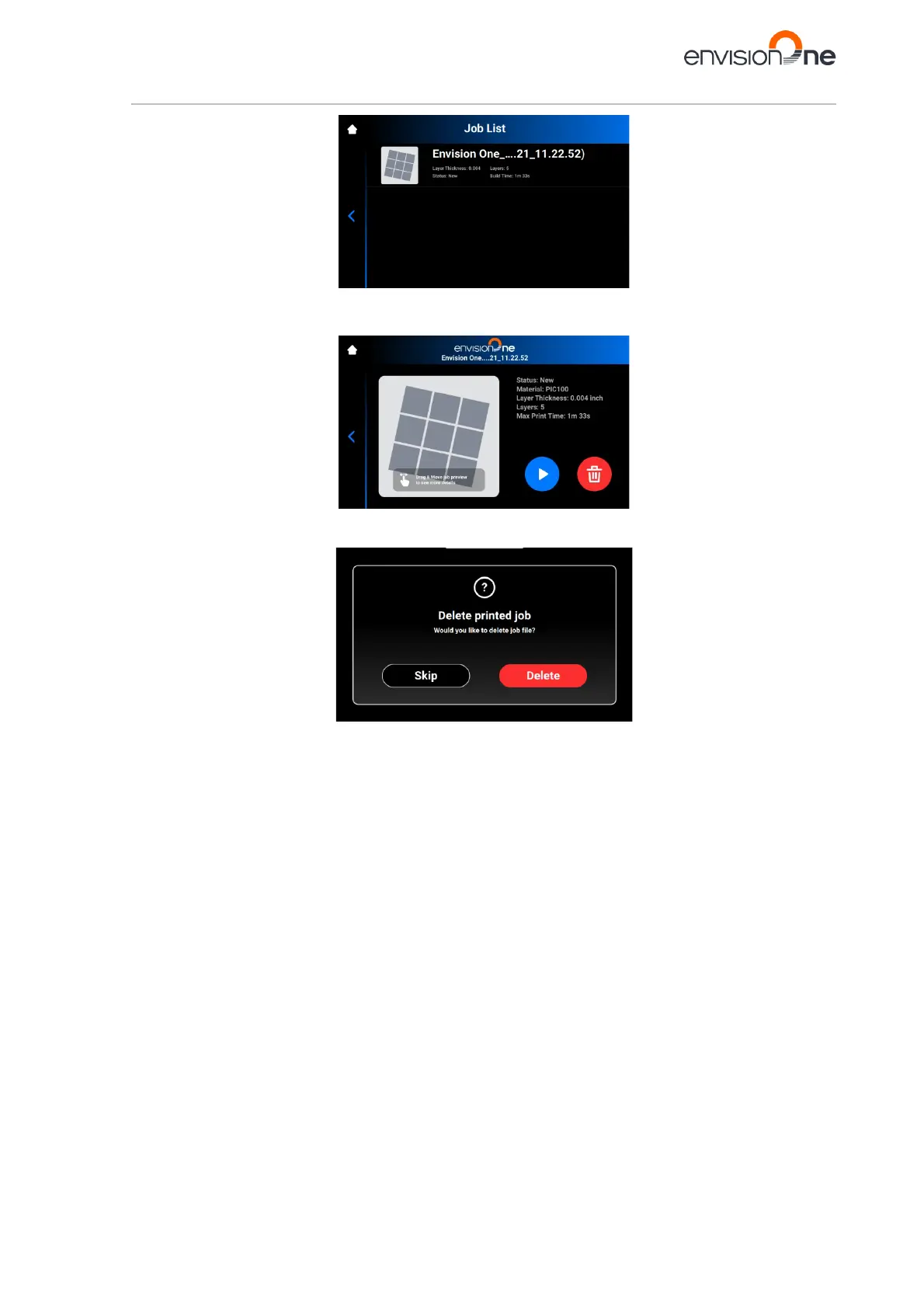
2. Select the job you want to delete from the list of jobs by tapping it.
→ The following screen appears.
3. Tap Waste Bin icon to delete a job file.
→ The following confirmation window appears.
4. Tap [Delete] to confirm a job file removal.



 To Next Page