5050 CONTROL UNIT
Technical Manual & Cabling Instructions
19.10.2012
Epec Oy reserves all rights for improvements without prior notice
Epec Oy Postiosoite/Postal address Puhelin/Phone Fax Internet
Tiedekatu 6 PL/P.O.Box 194 +358-(0)20-7608 111 +358-(0)20-7608 110 www.epec.fi
FIN-60320 Seinäjoki FIN-60101 Seinäjoki, Finland
4.3.2 DI/PI_Type002
• This type of pin is a ground referenced input (DI) including a pulse counting (PI) feature.
• Pulse inputs can be used as a 1 or 2 channel pulse counter and they have a possibility for
reset pulse. Possible software channels and pairs are listed in section
SW channels for
Pulse Inputs.
• This type of pin has no configurable features
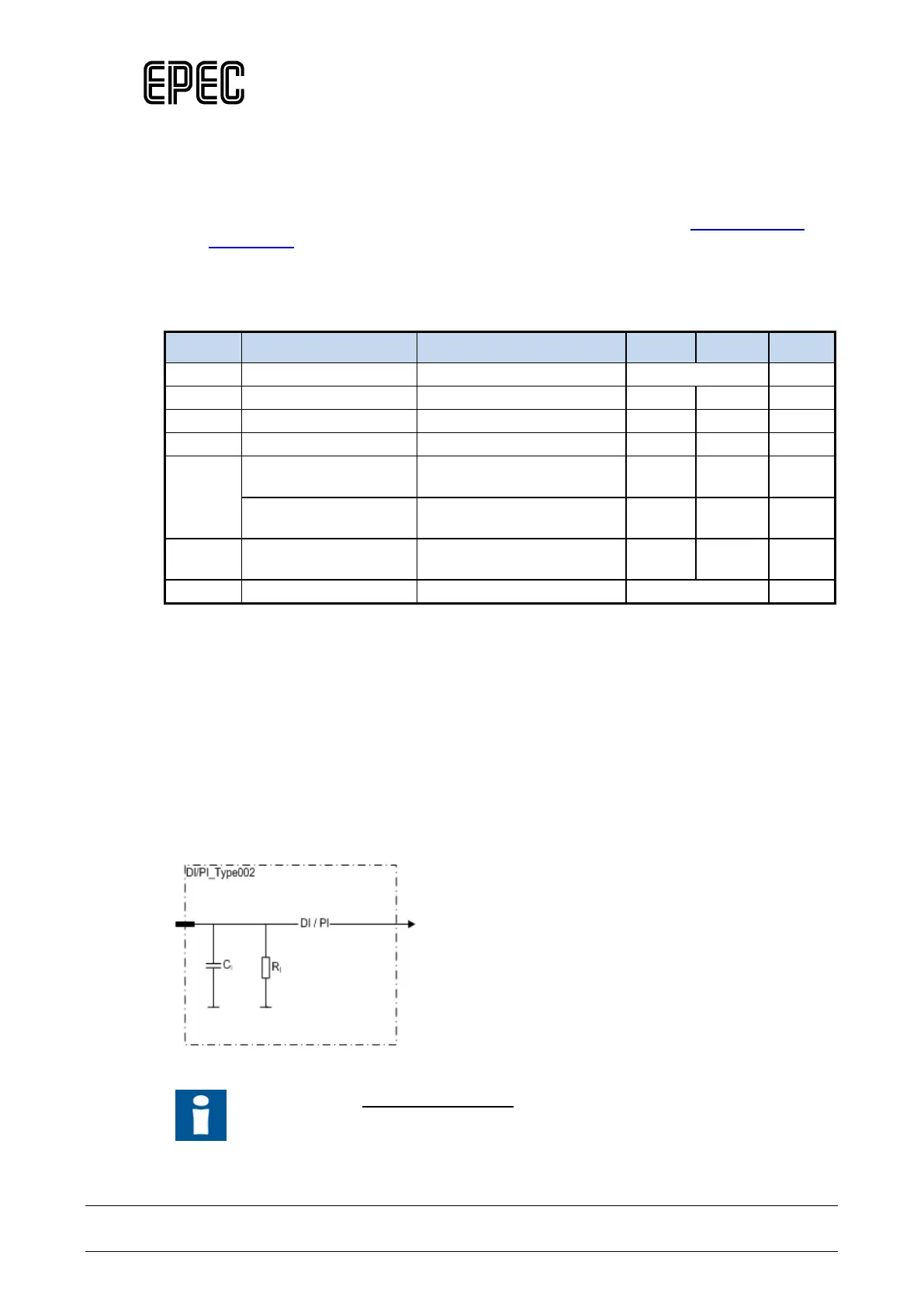
Electrical characteristics
Symbol Parameter Conditions Min Max Units
f
I
Input Frequency
tC= 4ms (Note 2,3,4,7) 250 Hz
Input Frequency
(Note 5,8) 5 20000 Hz
t
I
Input Pulse Width
(Note 5) 0,025 250 ms
Note 1: Exceeding the max values might cause damage to input.
Note 2: These parameters depend on software cycle time.
Note 3: Applies to inputs used as normal digital input. Violating this rating may lead to application
program not noticing all input state transitions.
Note 4: Pulse width must be greater that the software cycle time. For example with 50/50 pulse
ratio, the pulse frequency is 1 / (2*pulse width)
Note 5: Violating this rating may lead to system not recognizing all input state transitions.
Note 6: Overload conditions.
Note 7: tC denotes software cycle time.
Note 8: Max value can be reached by 2-98% pulse ration.
Functional block diagram
Other Information
Refer to section Connection Examples to see examples on how to connect some
external actuators or sensors when using this type of pin.



 To Next Page