g
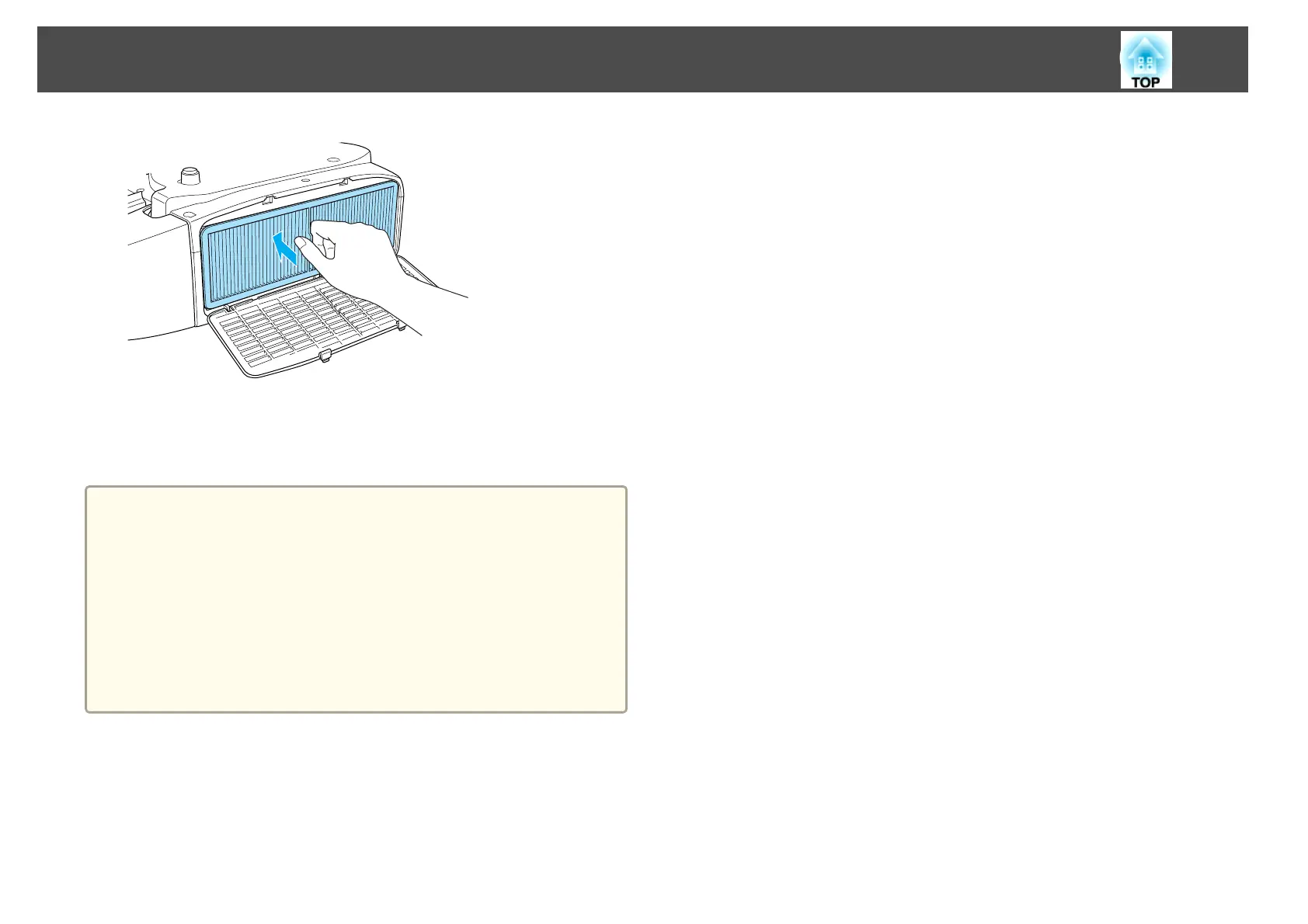
Close the air filter cover.
Push the tabs until you hear them click into place.
a
• If a message is frequently displayed, even after cleaning, it is time to
replace the air filter. Replace it with a new air filter.
s "Replacing the Air Filter" p.105
• It is recommended that you clean these parts at least once every
three months. Clean them more often than this if using the projector
in a particularly dusty environment.
• The indicators or messages regarding Air Filter Notice are displayed
only when Clean Notice is set to On in Air Filter Setting from the
Configuration menu.
s Extended - Air Filter Setting p.69
Cleaning
101



 To Next Page