a
• If you set Standby Mode to Communication On, you can perform the following operation even if the projector is in standby mode.
- Outputting images to an external monitor
s Extended - Standby Mode p.69
• Only analog RGB signals from the Computer1 port can be output to an external monitor. You cannot output signals input from other ports or component video
signals.
• Setting gauges for functions such as Keystone, Configuration menu, or Help screens are not output to the external monitor.
• When the audio cable jack is inserted into the Audio Out port, audio stops being output from the projector's internal speakers and switches to external
output.
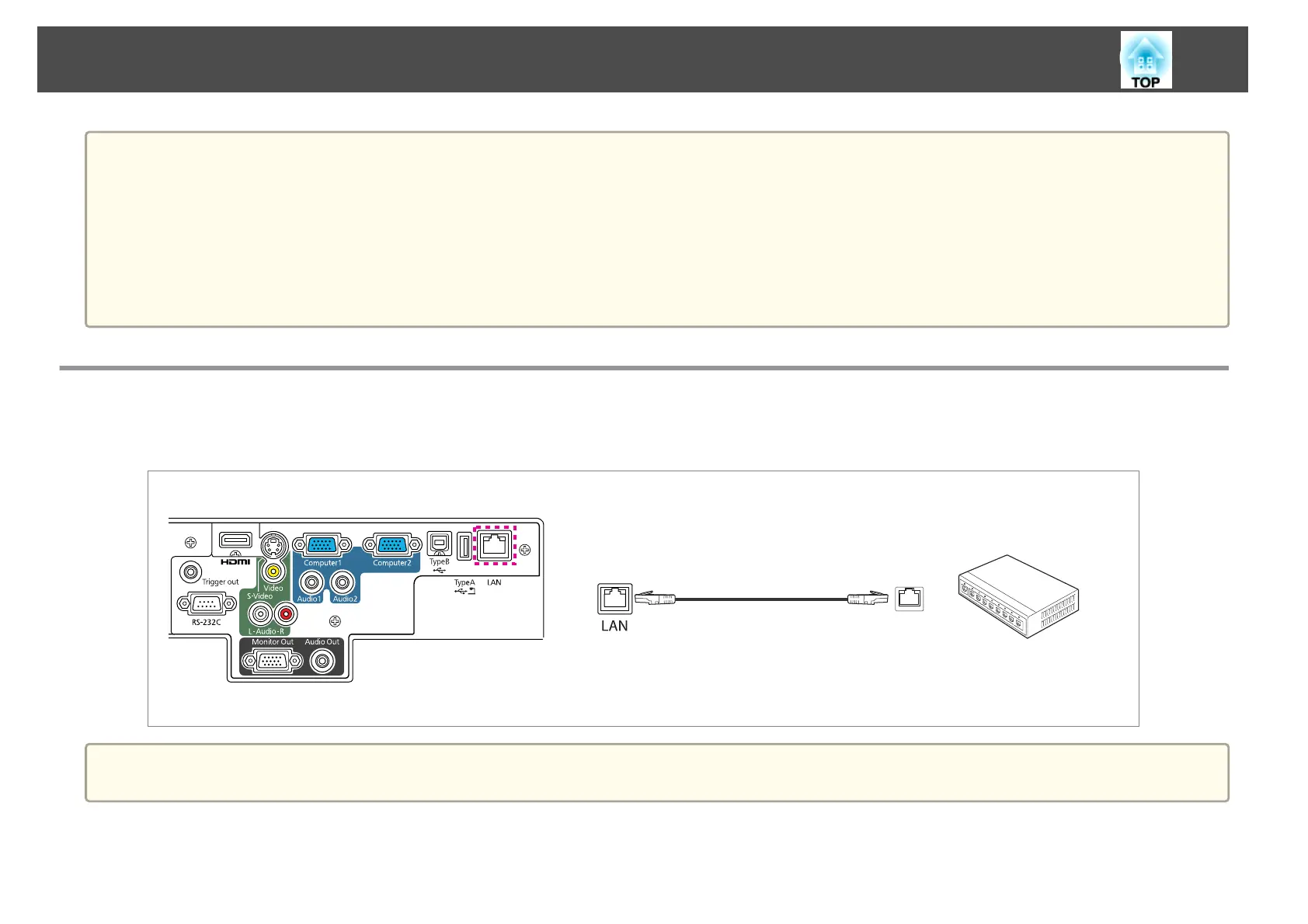
Connecting a LAN Cable
Connect a LAN port on network hubs or other equipment to the projector's LAN port with a commercially available 100BASE-TX or 10BASE-T LAN
cable.
a
To prevent malfunctions, use a category 5 shielded LAN cable.
Connecting Equipment
26



 To Next Page