Changing the Projected Image
a
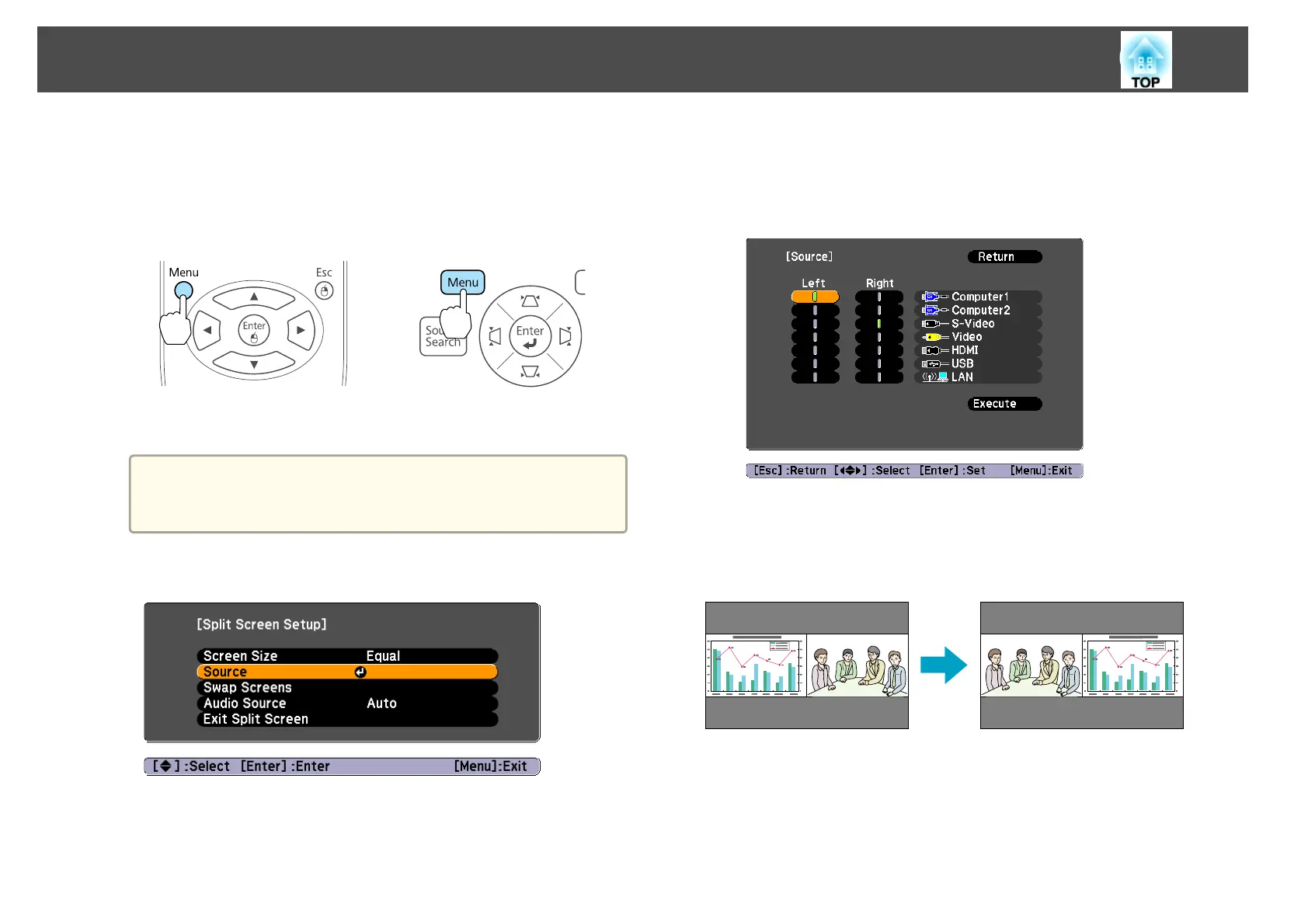
Press the [Menu] button during Split Screen projection.
s
"Using the Configuration Menu" p.62
Using Remote Control Using the Control Panel
Split Screen Setup is displayed.
a
The Source screen (step 3) is displayed when the [Source
Search] button is pressed on the remote control or control
panel or when a source button is pressed on the remote control.
b
Select Source.
c
Select the source for Left and Right.
See the following for combinations of input sources that can be
projected.
s "Input sources for Split Screen projection" p.43
d
Select Execute, and then press the [Enter] button.
Switching the left and right screens
Projection Functions
44



 To Next Page