a
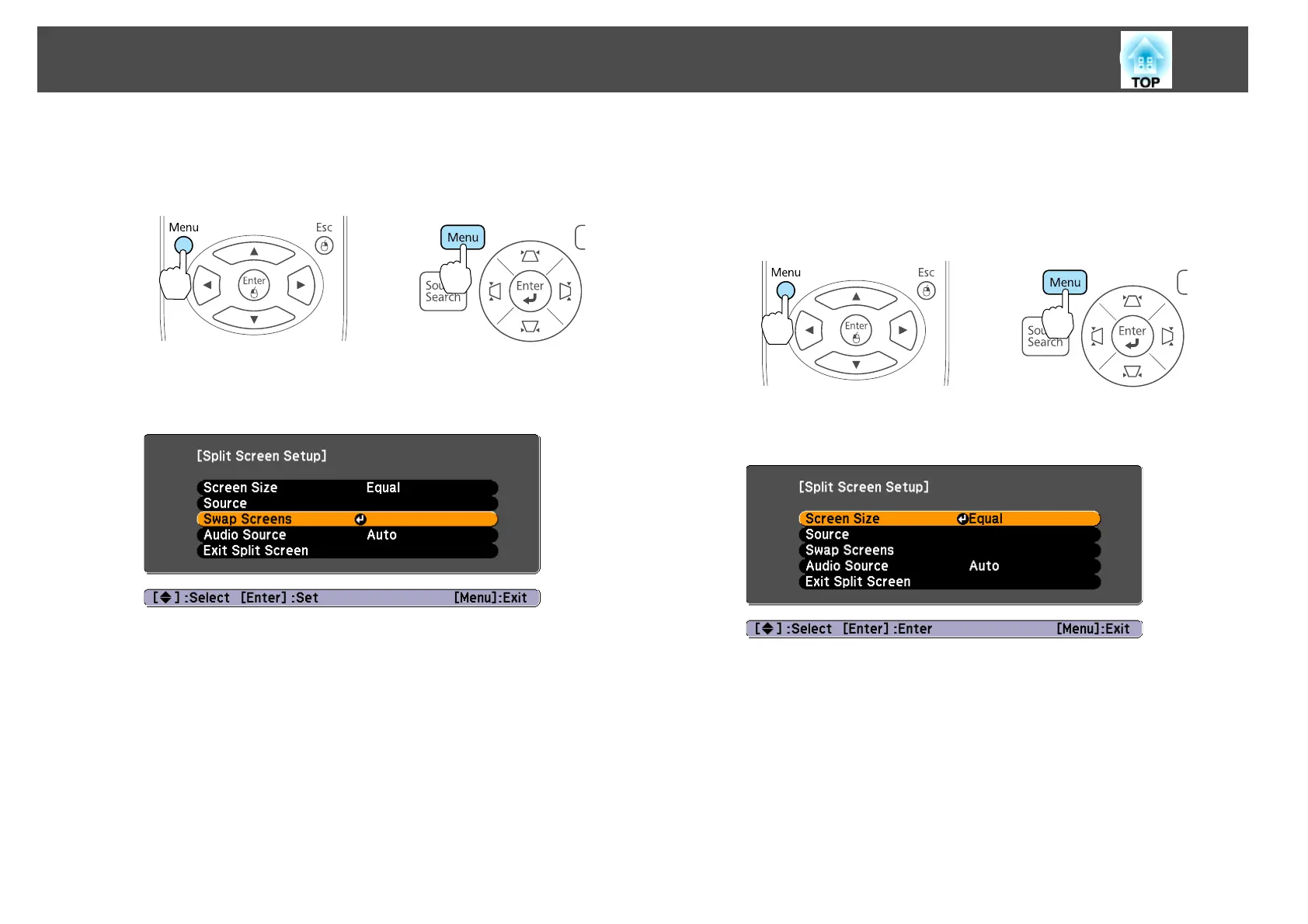
Press the [Menu] button during Split Screen projection.
s "Using the Configuration Menu" p.62
Using Remote Control Using the Control Panel
b
Select Swap Screens, and then press the [Enter] button.
The images on the left and right screens will be swapped.
c
Press the [Menu] button to end the setting procedure.
Switching the left and right image sizes
a
Press the [Menu] button during Split Screen projection.
s
"Using the Configuration Menu" p.62
Using Remote Control Using the Control Panel
b
Select Screen Size.
c
Select the image size to display and then press the [Enter] button.
Projection Functions
45



 To Next Page