Sub-menu Function
Test Pattern
When the projector is setup, a test pattern is displayed so that you
can adjust the projection without connecting other equipment.
While the test pattern is displayed, you can perform keystone
correction, zoom adjustment, and focus adjustment.
To cancel the Test Pattern, press the [Esc] button on the remote
control or the control panel.
Reset
You can reset all adjustment values on the Settings menu to their
default settings, except for User Button.
See the following to return all menu items to their default
settings.
s "Reset Menu" p.81
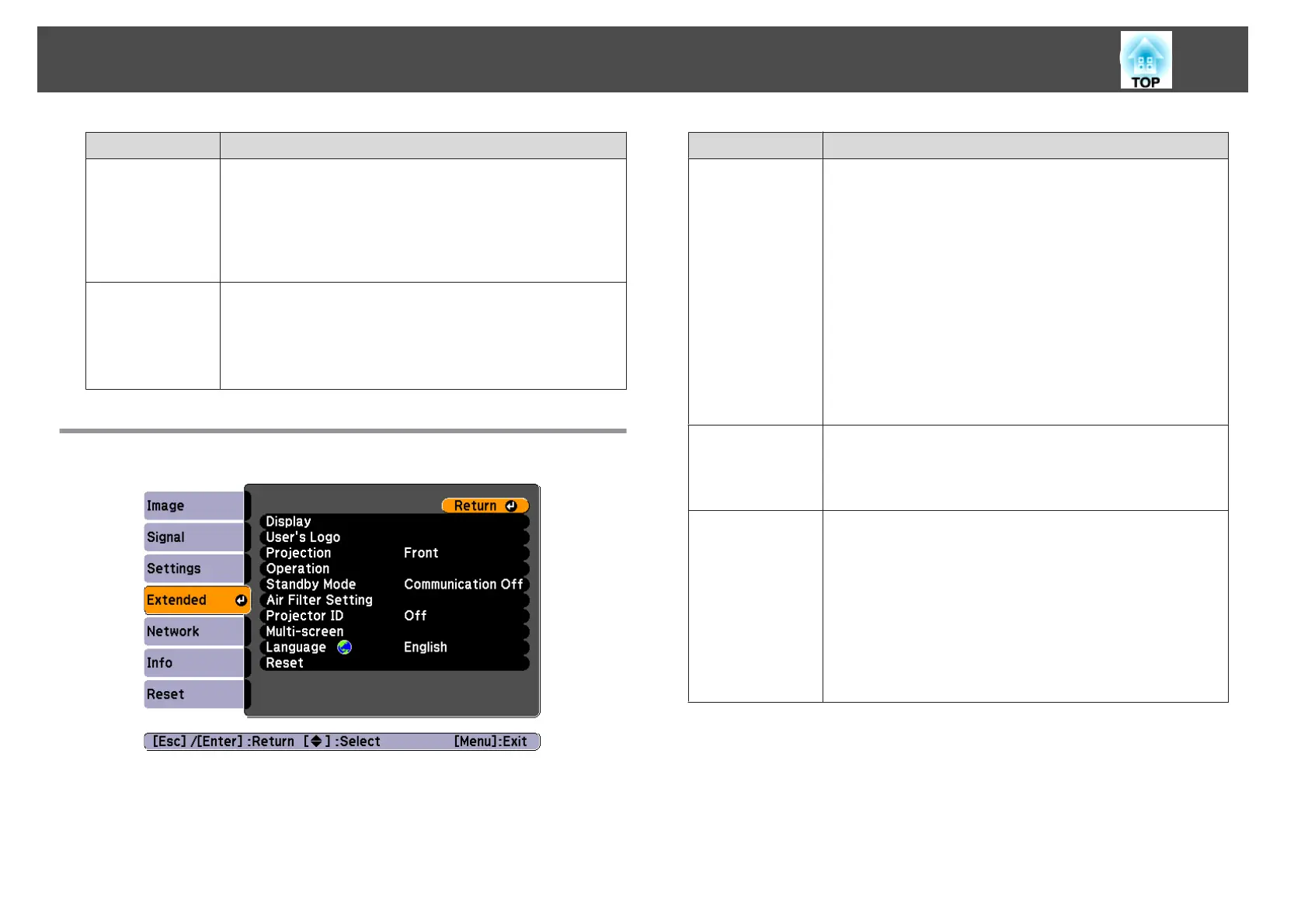
Extended Menu
Sub-menu Function
Display
You can make settings related to the projector's display.
Messages: When set to Off, the following items will not be
displayed.
Item names when the Source, Color Mode, or Aspect Ratio
are changed, messages when no signal is being input, and
warnings such as High Temp Warning.
Display Background
*1
: You can set the screen background
to Black, Blue, or Logo when no image signal is available.
Startup Screen
*1
: Set to On to display the User's Logo
when projection starts.
A/V Mute
*1
: You can set the screen displayed when the
remote control's [A/V Mute] button is pressed to Black,
Blue, or Logo.
User's Logo
*1
You can change the user's logo that is displayed as a
background during Display Background, A/V Mute, and so
on.
s "Saving a User's Logo" p.55
Projection
Select from one of the following projection methods
depending on how the projector is installed.
Front, Front/Ceiling, Rear, and Rear/Ceiling
You can change the setting as follows by pressing down
the [A/V Mute] button on the remote control for about five
seconds.
Front
W
Front/Ceiling
Rear
W
Rear/Ceiling
s "Installation Methods" p.18
List of Functions
69



 To Next Page