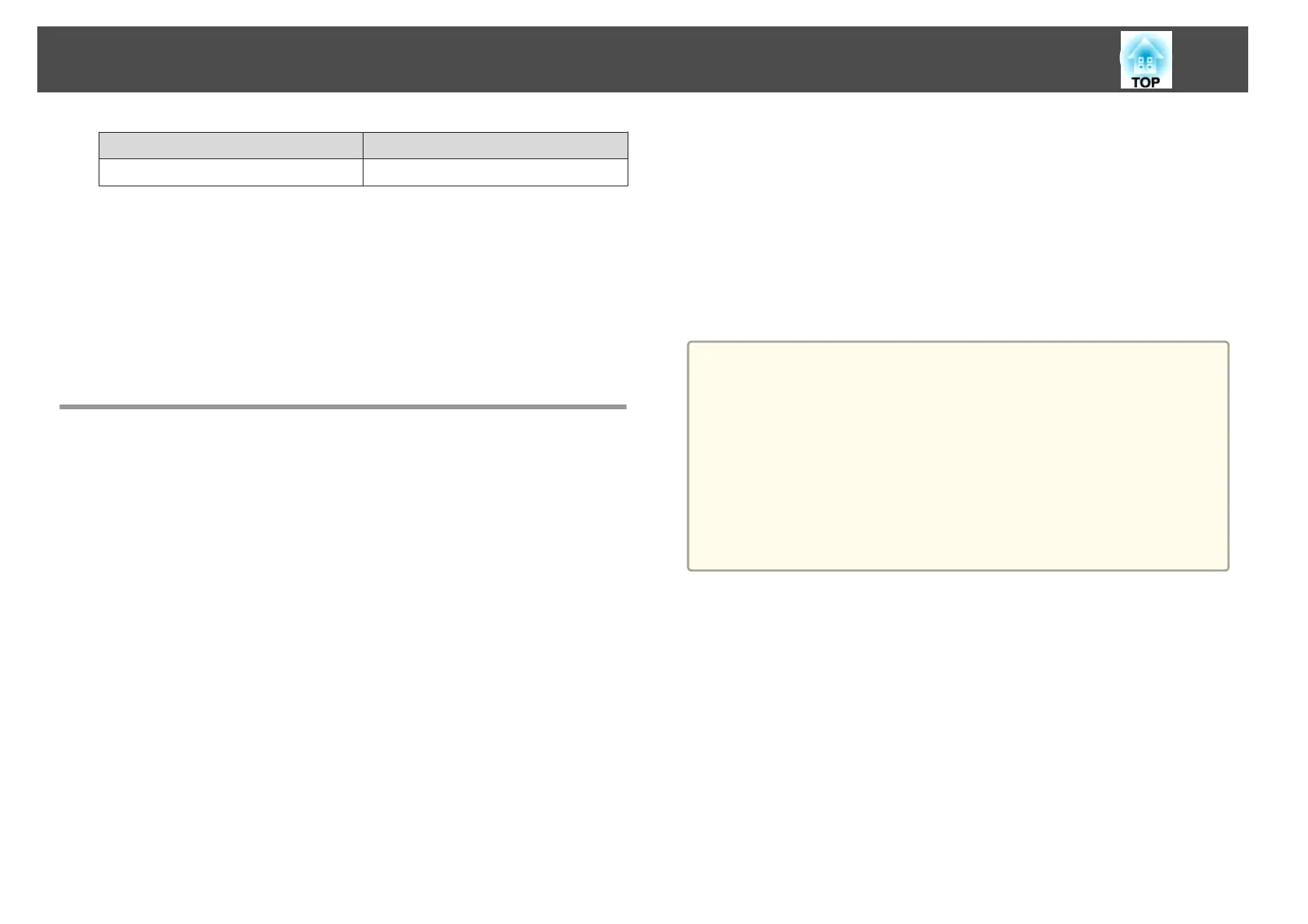
Source PJLink Command
LAN INPT 52
• Manufacturer name displayed for "Manufacture name information query"
EPSON
• Model name displayed for "Product name information query"
EB-D6250
EB-D6155W
EB-D6150
About Crestron RoomView
®
Crestron RoomView
®
is an integrated control system provided by
Crestron
®
. It can be used to monitor and control multiple devices
connected on a network.
The projector supports the control protocol, and can therefore be used in a
system built with Crestron RoomView
®
.
Visit the Crestron
®
Web site for details on Crestron RoomView
®
. (Only
English-language displays are supported.)
http://www.crestron.com
The following provides an overview of Crestron RoomView
®
.
• Remote operation using a Web browser
You can operate a projector from your computer just like using a remote
control.
• Monitoring and control with application software
You can use Crestron RoomView
®
Express or Crestron RoomView
®
Server Edition provided by Crestron
®
to monitor devices in the system,
to communicate with the help desk, and to send emergency messages. See
the following Web site for details.
http://www.crestron.com/getroomview
This manual describes how to perform operations on your computer using
a Web browser.
a
• You can only enter single-byte alphanumeric characters and symbols.
• The following functions cannot be used while using Crestron
RoomView
®
.
s "Changing Settings Using a Web Browser (Web Control)"
p.114
Message Broadcasting (EasyMP Monitor plug-in)
• Controling is possible if Standby Mode is set to Communication
On, even if the projector is in standby state (when the power is
off).
s Extended - Standby Mode p.69
Operating a projector from your computer
Displaying the operation window
Check the following before carrying out any operations.
• Make sure the computer and projector are connected to the network.
When communicating with a wireless LAN, connect in Advanced
connection mode.
s Wireless LAN - Connection Mode p.74
• Set RoomView to On from the Network menu.
s Network - Others - RoomView p.78
Monitoring and Controlling
120



 To Next Page