Sub-menu Function
Trap IP Address
1/Trap IP Ad-
dress 2
You can register up to two IP addresses for the SNMP trap
notification destination. You can input a number from 0 to 255 in
each field of the address. However, the following IP addresses
cannot be used. 127.x.x.x, 224.0.0.0 to 255.255.255.255 (where x
is a number from 0 to 255)
Priority Gateway
You can set the priority gateway to a Wired LAN or Wireless
LAN.
AMX Device Dis-
covery
When the projector is connected to a network, set this to On to
allow the projector to be detected by
AMX Device Discovery
g
.
Set this to Off if you are not connected to an environment
controlled with a controller from AMX or AMX Device
Discovery.
RoomView
Set this to On only when monitoring or controlling the projector
over the network using Crestron RoomView
®
. Otherwise, set
this to Off.
s "About Crestron RoomView
®
" p.120
When this is set to On, the following functions are not available.
• Web Control
• Message Broadcasting (EasyMP Monitor Plug-in)
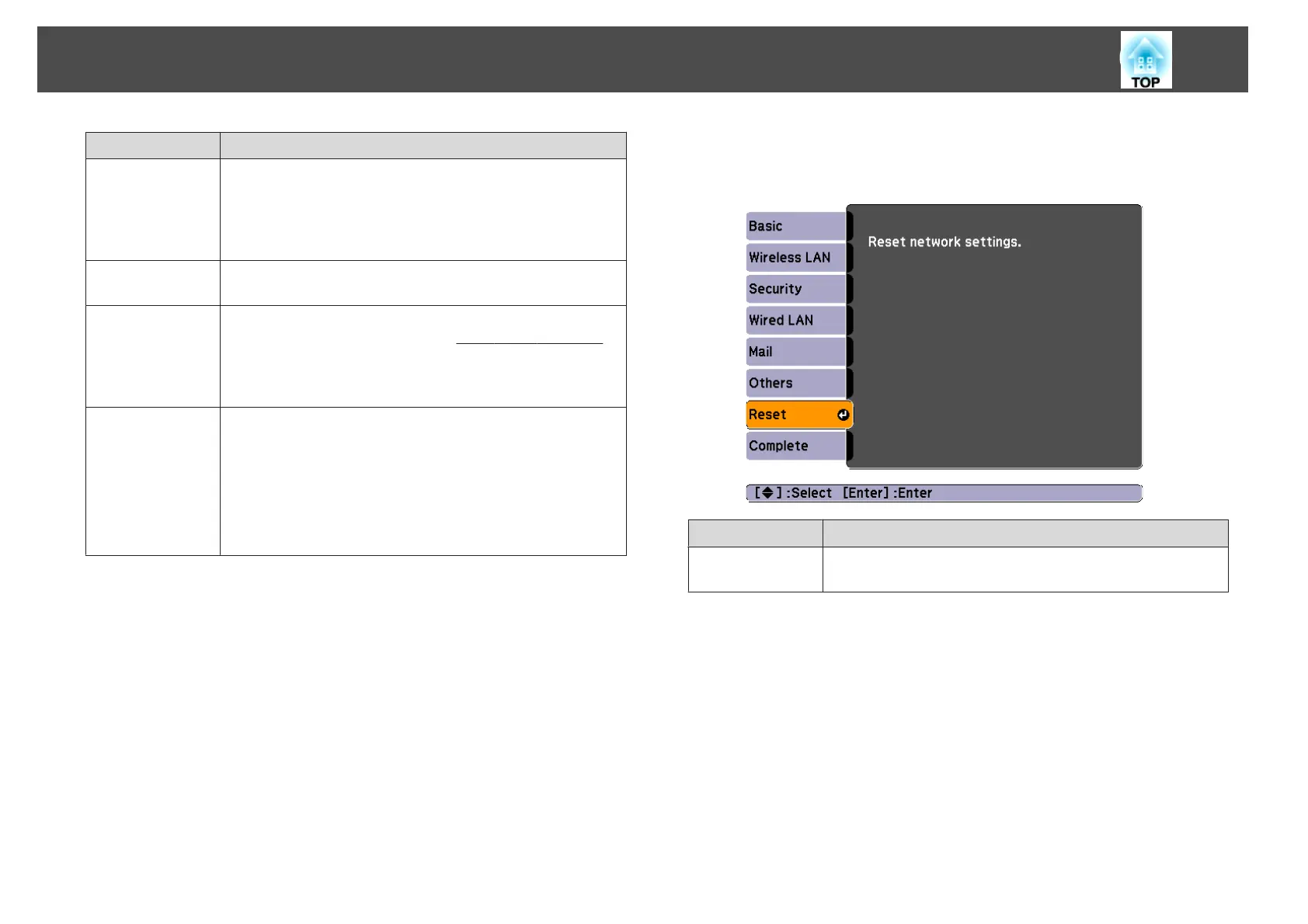
Reset Menu
Resets all of the network settings.
Sub-menu Function
Reset network
settings.
To reset all of the Network settings, select Yes.
List of Functions
79



 To Next Page