Submenu Function
SSID Display
To prevent the
SSID
g
from being displayed on the LAN Standby
screen, set this to Off.
IP Address Dis-
play
To prevent the
IP Address
g
from being displayed on the LAN
Standby screen, set this to Off.
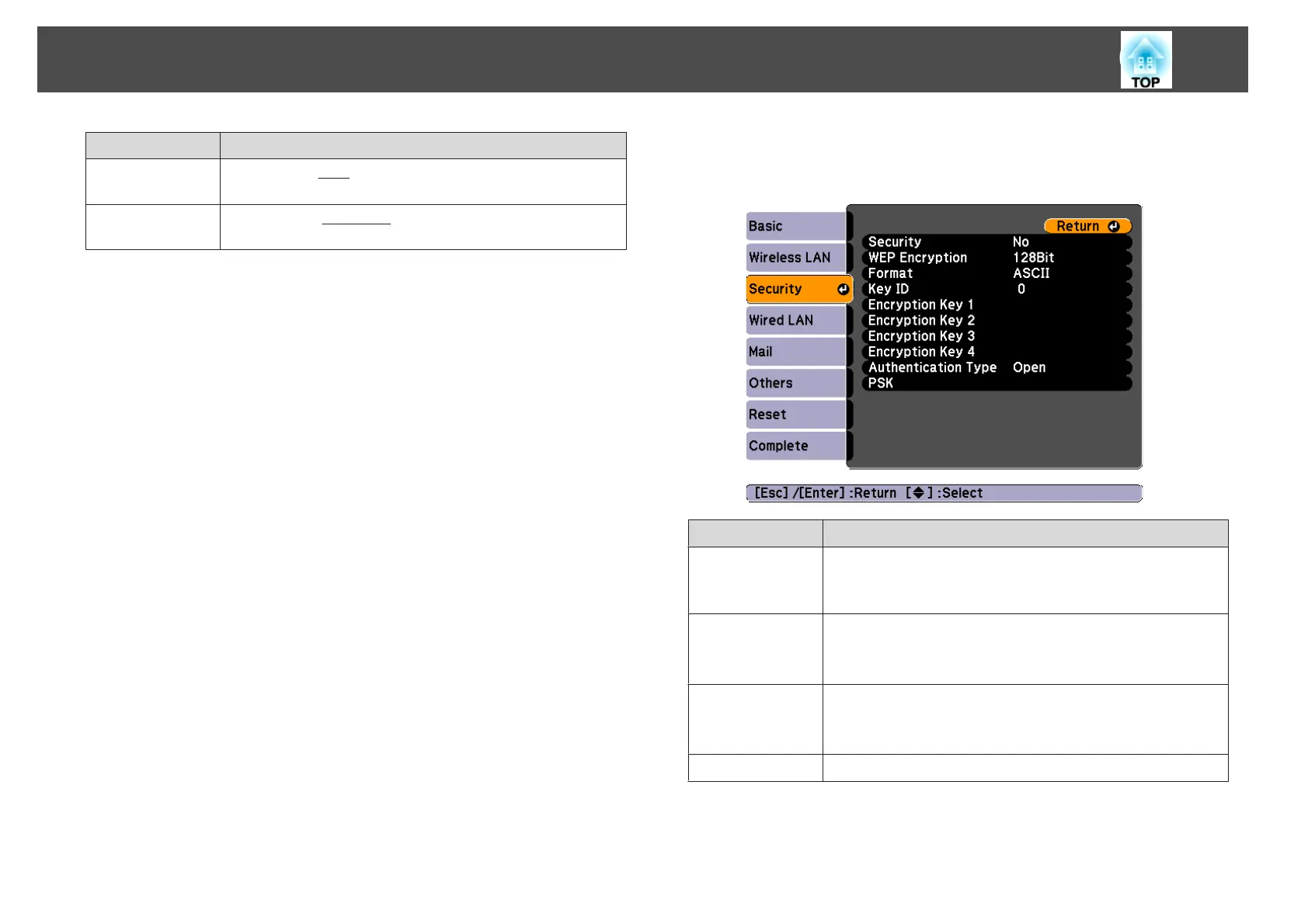
Security menu
Only available when the optional Wireless LAN unit is installed.
Sub-menu Function
Security
Select the security type from the items that are displayed.
When setting up Security, follow the instructions from the
administrator of the network system you are about to access.
WEP Encryption
You can set the encryption for WEP encryption.
128Bit: Uses 128 (104) bit encoding.
64Bit: Uses 64 (40) bit encoding.
Format
You can set the input method for the WEP encryption key.
ASCII: Input text.
HEX: Input in hexadecimal.
Key ID
Selects the WEP encryption ID key.
List of Functions
75



 To Next Page