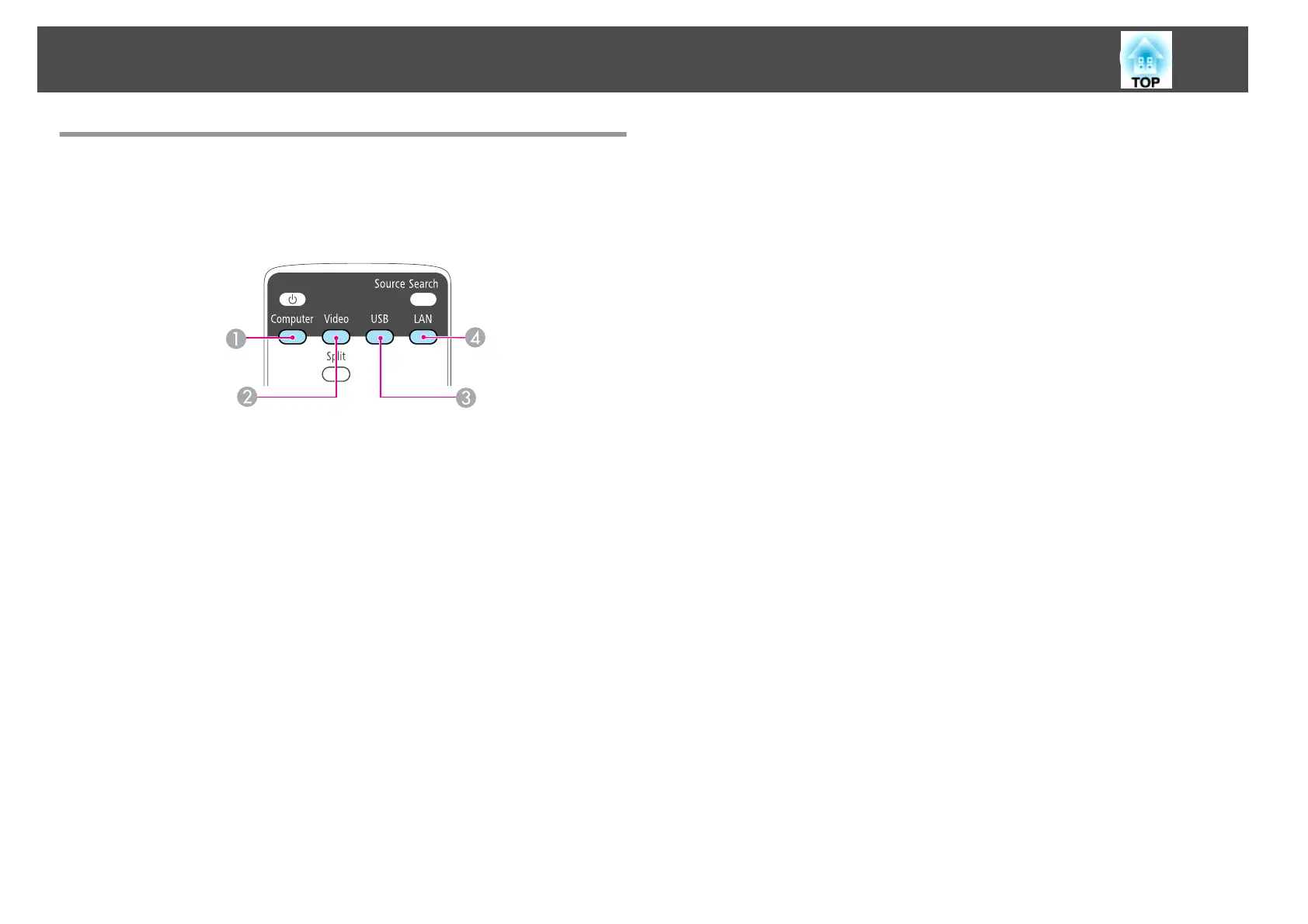
Switching to the Target Image by Remote Control
You can change directly to the target image by pressing the following
buttons on the remote control.
Remote control
A
Each time the button is pressed, it cycles through the following images:
• Computer1 port
• Computer2 port
B
Each time the button is pressed, it cycles through the following images:
• S-Video port
• Video port
• HDMI port
C
Changes to the following image.
• Images from the device connected to the USB (TypeA) port
D
Changes to the images projected with EasyMP Network Projection. When
projecting using the optional Quick Wireless Connection USB Key, this
button switches to that image.
Projecting Images
32



 To Next Page