How to replace the air filter
The air filter can be replaced even when the projector is suspended from a
ceiling.
a
After you turn off the projector's power and the confirmation
buzzer beeps twice, disconnect the power cable.
b
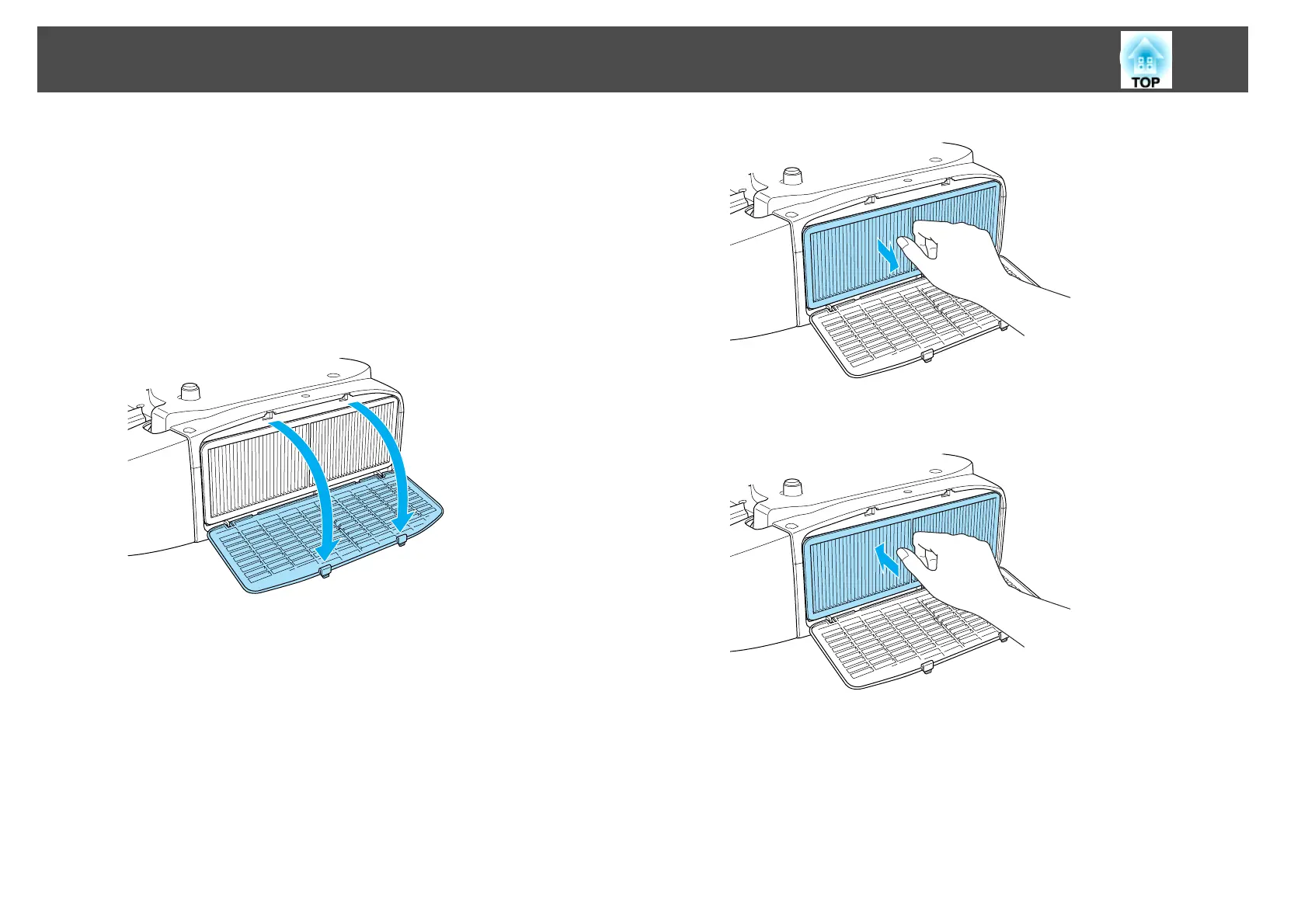
Open the air filter cover.
Press the tabs on the air filter cover and open the cover.
c
Remove the air filter.
Grip the tab in the center of the air filter, and pull the air filter
straight out.
d
Install the new air filter.
e
Close the air filter cover.
Push the tabs until you hear them click into place.
Replacing Consumables
106



 To Next Page