d
Press the [Menu] button to end the setting procedure.
Ending Split Screen
Use one of the following operations to end Split Screen.
• Press the [Split] button on the remote control.
• Select Exit Split Screen in the Split Screen Setup and then press
the [Enter] button.
• Press the [Esc] button on the remote control or the control panel.
Restrictions during Split Screen Projection
Operating restrictions
The following operations cannot be performed during Split Screen
projection.
• Setting the Configuration menu
• E-Zoom
• Changing the aspect mode
• Operations using the [User] button on the remote control
• Help can be displayed only when image signals are not input or when
an error or warning notification is displayed.
• The User's Logo is not displayed.
Restriction relating to images
• The default values for the Image menu are applied to the image on the
right screen. However, the settings for the image projected on the left
screen are applied to the image on the right screen for the Color Mode,
Abs. Color Temp., and Color Adjustment.
• Auto Iris does not function.
s "Image Menu" p.65
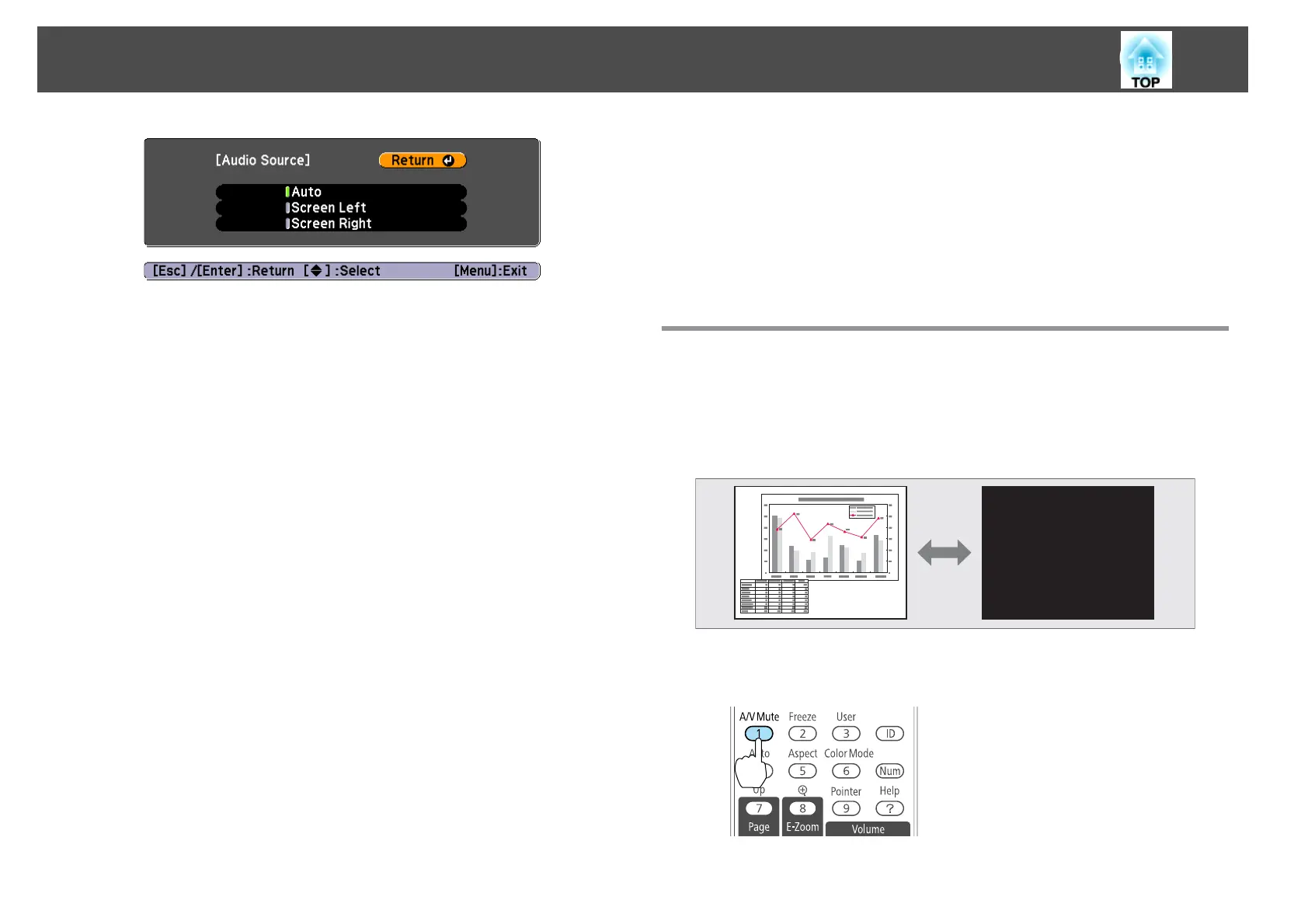
Hiding the Image and Sound Temporarily (A/V
Mute)
You can use this when you want to focus the audience's attention on what
you are saying, or if you do not want to show details such as when you are
changing between files during presentations from a computer.
Each time you press the [A/V Mute] button, A/V Mute turns on or off.
Remote control
Projection Functions
47



 To Next Page