Automatically Detect Input Signals and Change
the Projected Image (Source Search)
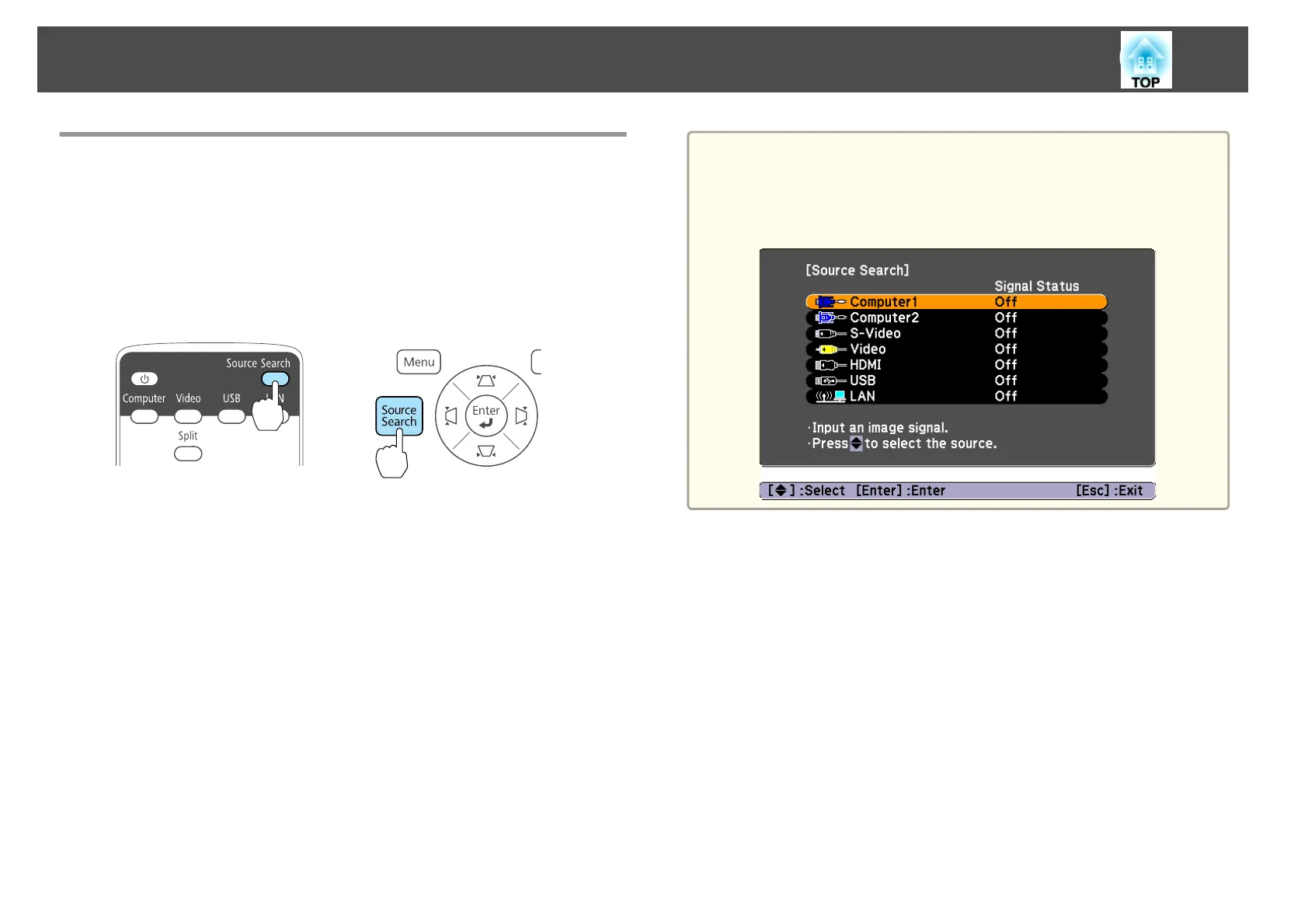
Press the [Source Search] button to project images from the port currently
receiving an image.
Because only images from ports receiving an image are projected, you can
quickly project the image you want.
Using the remote control Using the control panel
When two or more pieces of equipment are connected, press the [Source
Search] button until the target image is projected.
When your video equipment is connected, start playback before beginning
this operation.
a
The following screen remains displayed when only the image that the
projector is currently displaying is available, or when no image signal
can be found. You can select the input port where the connected
equipment you want to use is projecting. If no operation is performed
after about 10 seconds, the screen closes.
Projecting Images
31



 To Next Page