g
When all corrections are finished, press the [Menu] button to finish
making settings.
Saving a User's Logo
You can save the image that is currently being projected as a User's Logo.
a
Once a User's Logo has been saved, the logo cannot be returned to the
factory default.
a
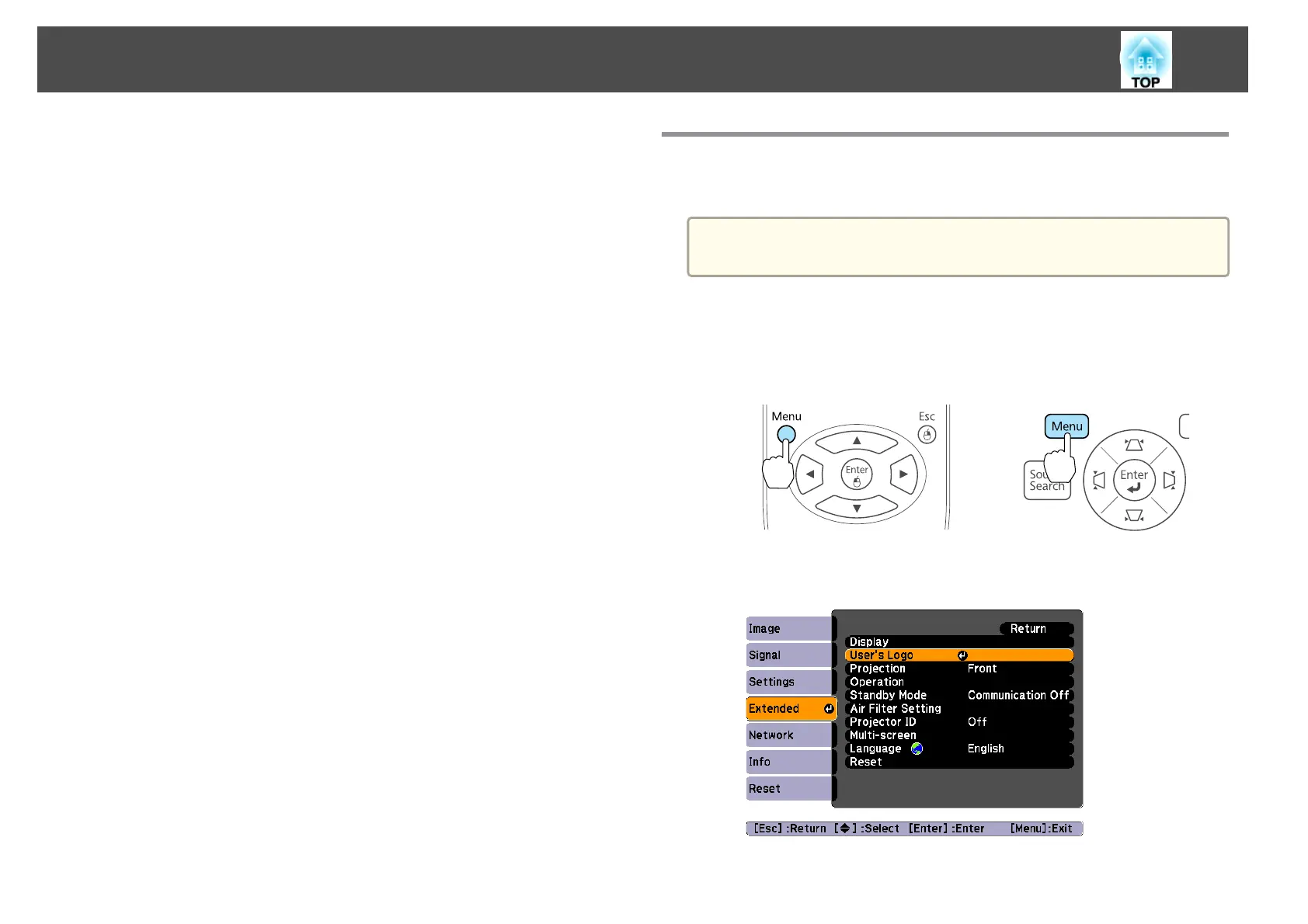
Project the image you want to save as the User's Logo, and then
press the [Menu] button.
s "Using the Configuration Menu" p.62
Using the remote control Using the control panel
b
Select User's Logo from Extended.
Projection Functions
55



 To Next Page