d
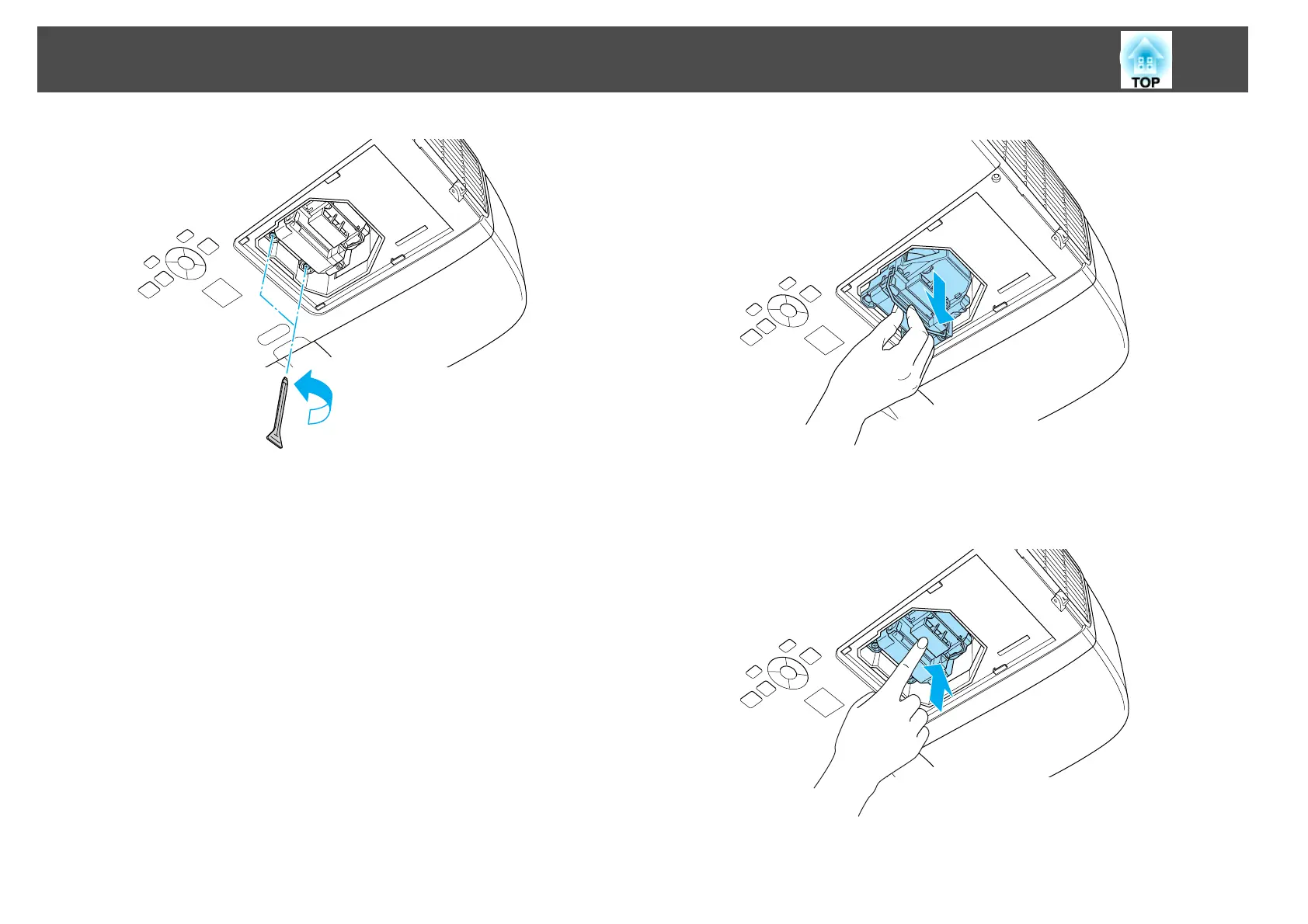
Hold the lamp by its handle to take out the lamp.
If the lamp is cracked, contact your local dealer or the nearest
address provided in the Epson Projector Contact List.
s Epson Projector Contact List
e
Install the new lamp.
Insert the new lamp along the guide rails in the correct direction so
that it fits, and push it firmly into place.
f
Tighten the two lamp fixing screws.
Replacing Consumables
104



 To Next Page