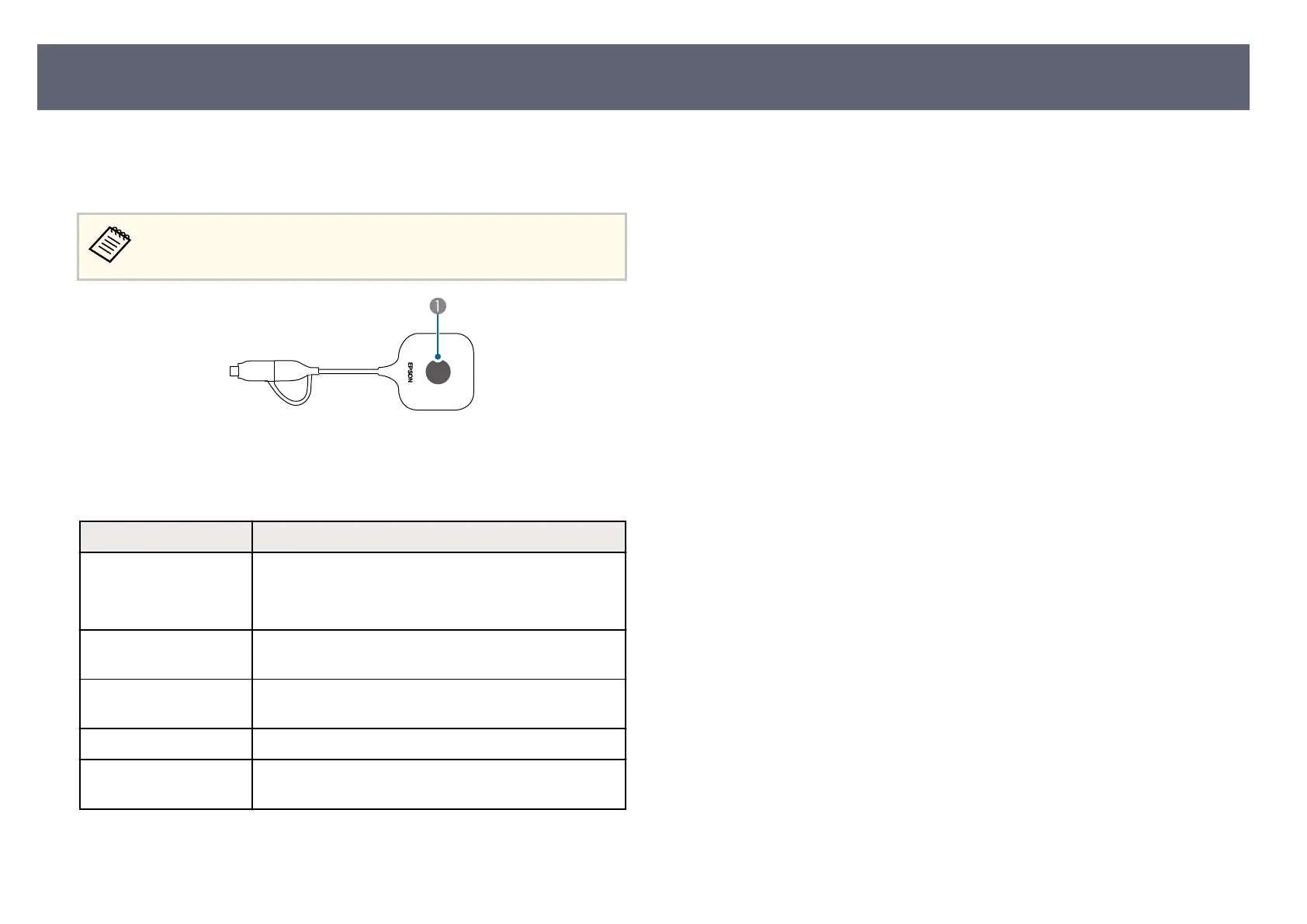
e indicator on the wireless transmitter indicates the transmitter status and lets
y
ou know when a problem occurs. Check the status and color of the indicator
and then refer to this table for a solution.
If the indicator displays a pattern not listed in the table below, disconnect
th
e wireless transmitter from your computer, and contact Epson for help.
A
Status indicator
Wireless transmitter status
Indicator status Problem and solutions
Lit blue •
e E
ps
on Wireless Presentation soware is running
and waiting for the screen display.
•
Pairing is complete.
Flashing alternately blue
and o
range
Pairing is being performed.
Flashing blue (quickly) e wireless transmitter is waiting for the Epson Wireless
P
resentation soware to launch.
Flashing blue (slowly) e input source from the computer is being displayed.
L
it orange Error status. Close the so
ware and disconnect the
wireless transmitter from your computer.
Wireless Transmitter Indicator Status
106



 To Next Page