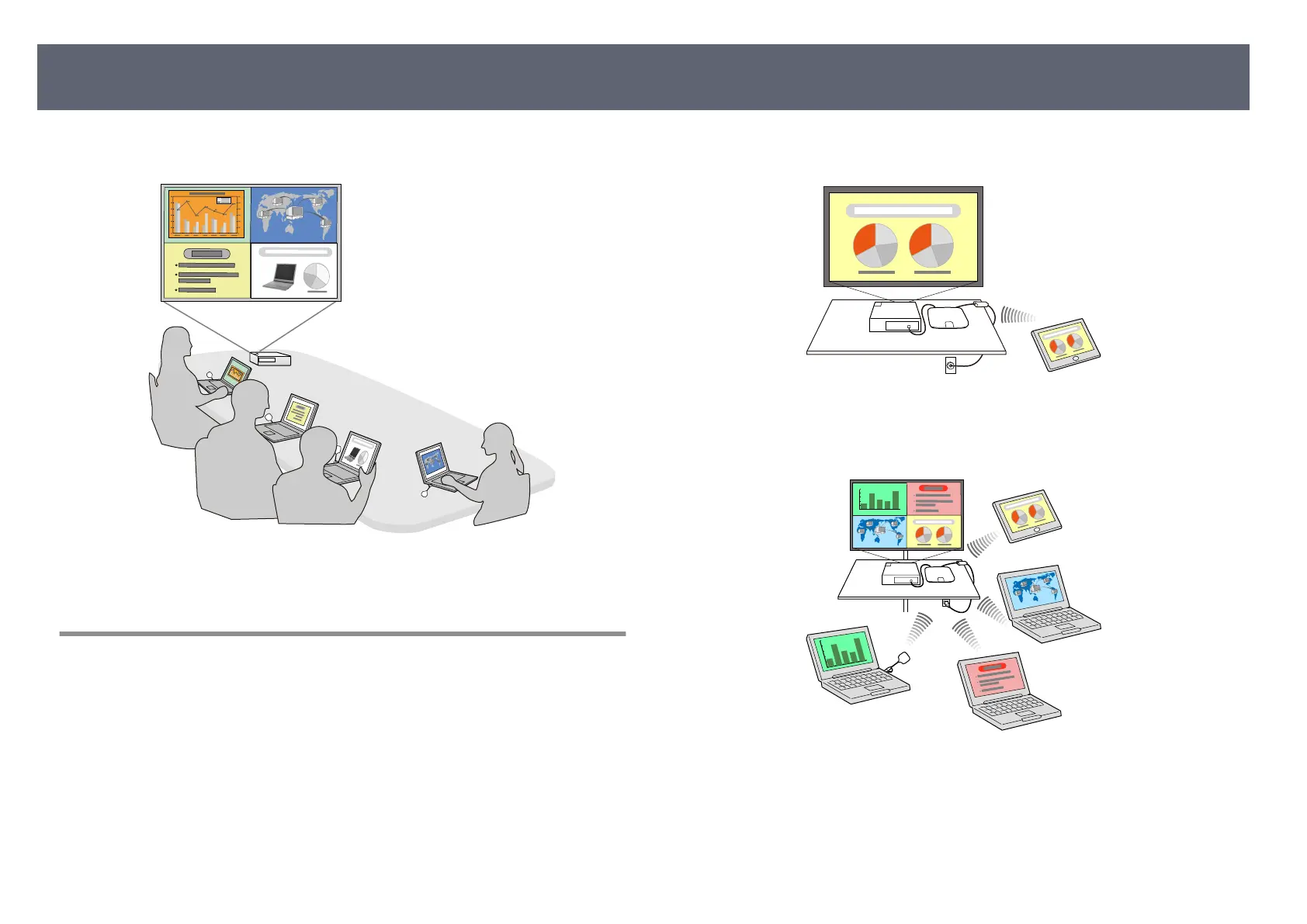
You can also use a projector that supports the Epson Wireless Presentation
Sys
tem (ELPWP10) as a receiver.
g
Relat
ed Links
•
"S
haring Computer Screen Using Wireless Transmitter" p.40
Various Input Sources for the Base Unit
You can select various input source such as network source, HDMI video, and
doc
ument camera.
•
Screen Mirroring to connect your base unit and mobile device wirelessly
using Miracast technology.
•
Eps
on iProjection to operate multiple screens from the devices connected to
the base unit, such as computers, smartphones, and tablets.
Example: Connecting the receiver and input sources directly.
Product Features
14



 To Next Page