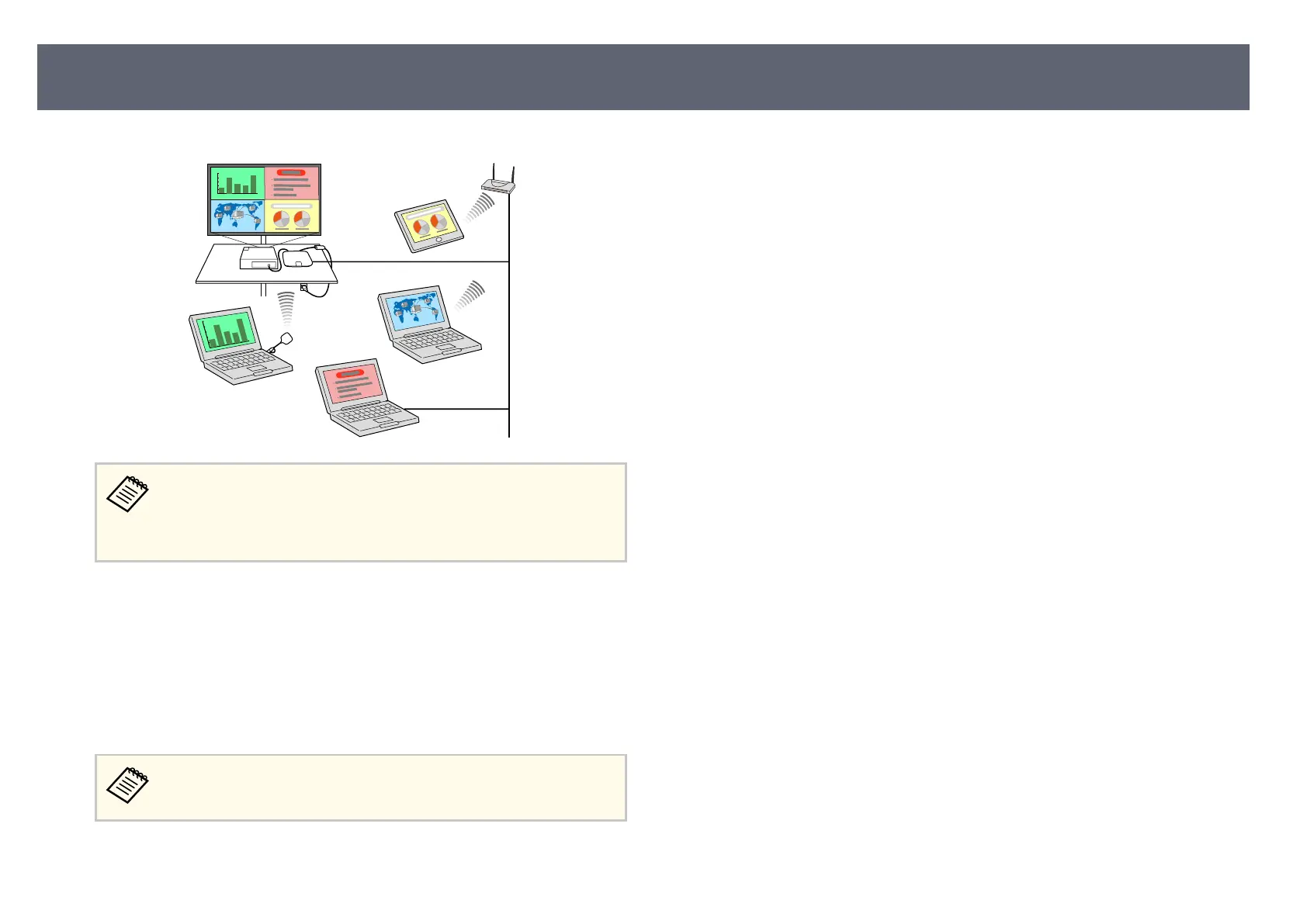
Example: Connecting the receiver and input sources over an intranet.
•
Wh
en using an Epson projector and projecting images using a
wireless LAN, you may need to install the Epson 802.11b/g/n
wireless LAN module, and then set up your projector and computer
for wireless projection.
•
Eps
on iProjection (Windows/Mac) to connect your base unit and computer
wirelessly. See the Epson iProjection Operation Guide (Windows/Mac) for
details. You can download the necessary soware and manuals from the
following Web site:
http://www.epson.com/
•
Epson iProjection (iOS/Android/Chromebook) to connect your base unit and
device wirelessly using the app available on the App Store or Google Play.
Any fees incurred when communicating with the App Store or Google
Pl
ay are the responsibility of the customer.
g
Relat
ed Links
•
"C
onnecting Input Sources to the Base Unit" p.28
•
"Sh
aring Screens Using Epson iProjection (Wired Connection)" p.43
•
"Sharing Screens Using Epson iProjection (Wireless Connection)" p.46
•
"Sharing Mobile Device Screen Using Screen Mirroring" p.53
Product Features
15



 To Next Page