a
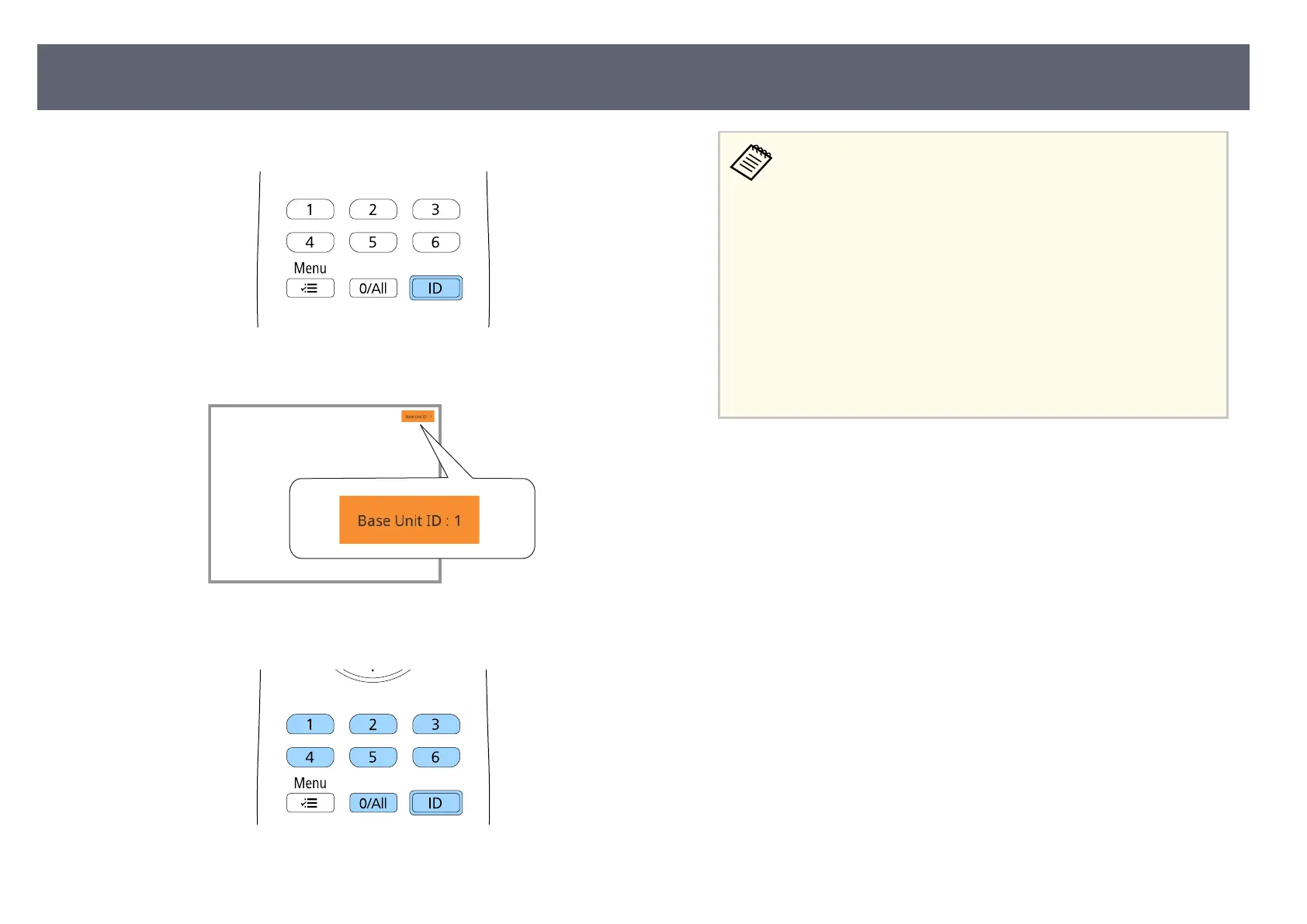
Aim the remote control at the target base unit and press the [ID] button.
e current base unit ID is displayed on the screen. It disappears aer
about 3 seconds.
b
While holding the [ID] button, press the number button that matches the
ID of t
he base unit you want to operate.
e base unit you want to operate is selected.
•
Wh
en you select [0/All] on the remote control, you can operate
all base unit regardless the Base Unit ID setting.
•
When you set the Base Unit ID setting to O, you can operate
the base unit using the remote control whichever ID you select
on the remote control.
•
e base unit ID setting is saved in the remote control. Even if
the remote control batteries are removed to replace them and
so on, the saved ID setting is retained. However, if the batteries
are le out of the remote control for an extended period, the ID
returns to its default setting ( 0/All).
•
When you use multiple remote controls at the same time, you
may not be able to operate base units as intended due to infrared
interference.
Base Unit Identication System for Multiple Device Control
65



 To Next Page