Epson Stylus Pro 7700/7710/7700M/7710M/7900/7910/9700/9710/9900/9910/WT7900/WT7910/9890/9908/7890/7908 Revision I
ADJUSTMENT Tests 436
Confidential
Calibration check
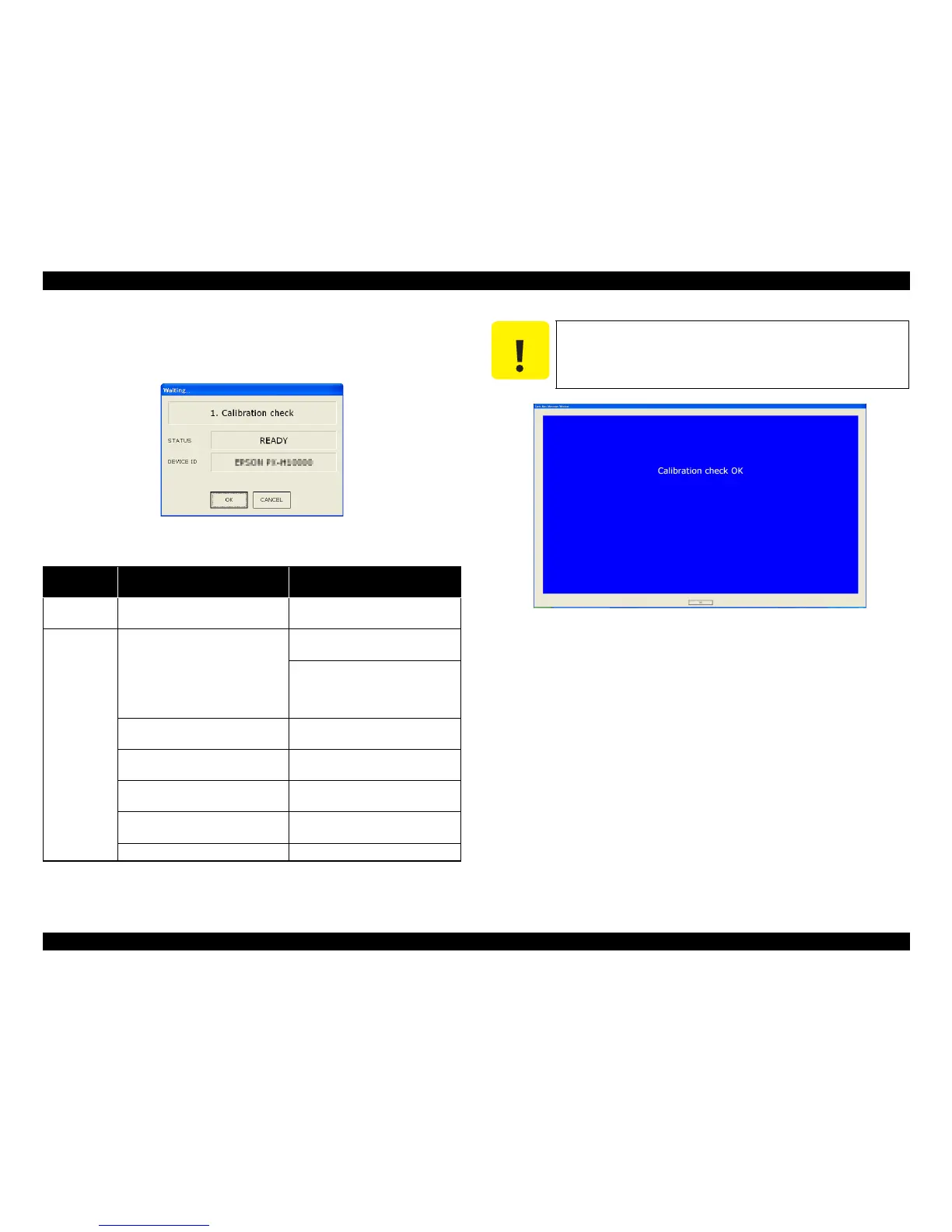
1. Select Calibration check.
2. If the following screen appears, click on the [OK] button.
Figure 5-103. [Calibration check] Screen
3. Take a measure according to the color of displayed screen.
Figure 5-104. Confirmation Screen
Screen
color
Description Remedy
Blue
No abnormality
Operating normally.
Click on the [OK] button.
Red
White calibration tile
failure Install the white calibration tile holder
to the correct attachment location.
If the tile is contaminated, clean it. If
the cleaning does not improve it,
replace the white calibration tile
holder.
Color Measurement Device
connection error
Check the connection, and if any
abnormality found, correct it.
Lamp failure of Color Measurement
Device
If the lamp does not light, replace the
Color Measurement Device
Color Measurement Device failure Replace the Color Measurement
Device.
Carriage failure See the inspection item for CR move
check. (p. 434)
Backing failure Install the backing.
C A U T I O N
After taking the above measure, make sure to restart the printer
before re-checking.



 To Next Page
 Loading...









