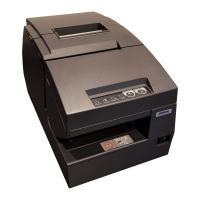
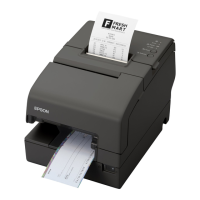
21
Chapter 1 Product Overview
1
-
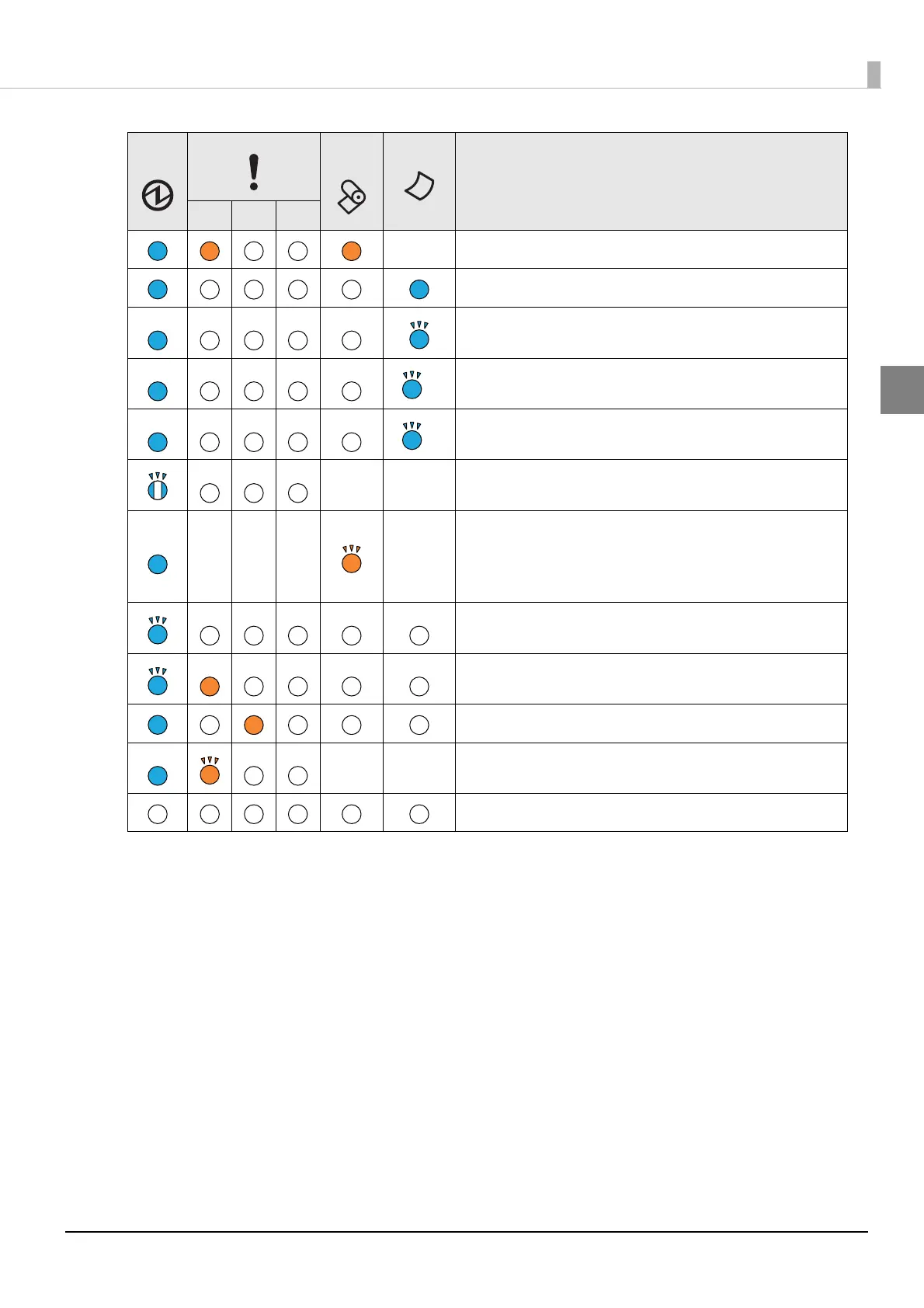
No paper
Slip paper selection/printing conditions
Slip paper insertion standby
Slip paper removal standby
Check insertion standby (Only MICR model)
--
TM-Intelligent function warning
--- -
Continued self-test standby
Macro execution standby
Standby for closing roll paper cover when printing status
sheet
Updating firmware
Powering off
Power OFF standby
--
Errors that recover automatically
The power is off or is not being supplied
Power
LED
Error LED
Paper
LED
Slip LED
Printer Status
1 2 3


 To Next Page
 Loading...